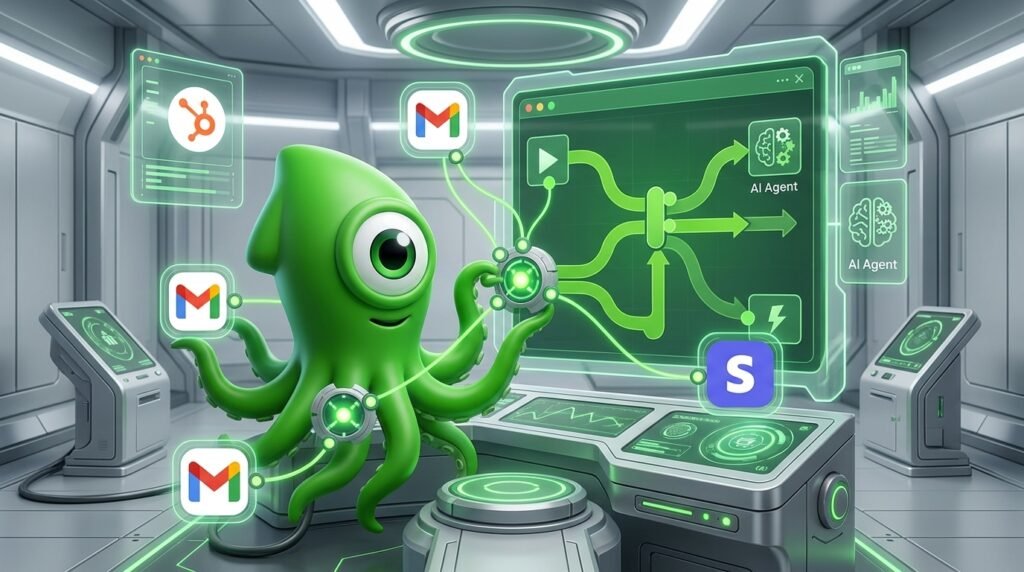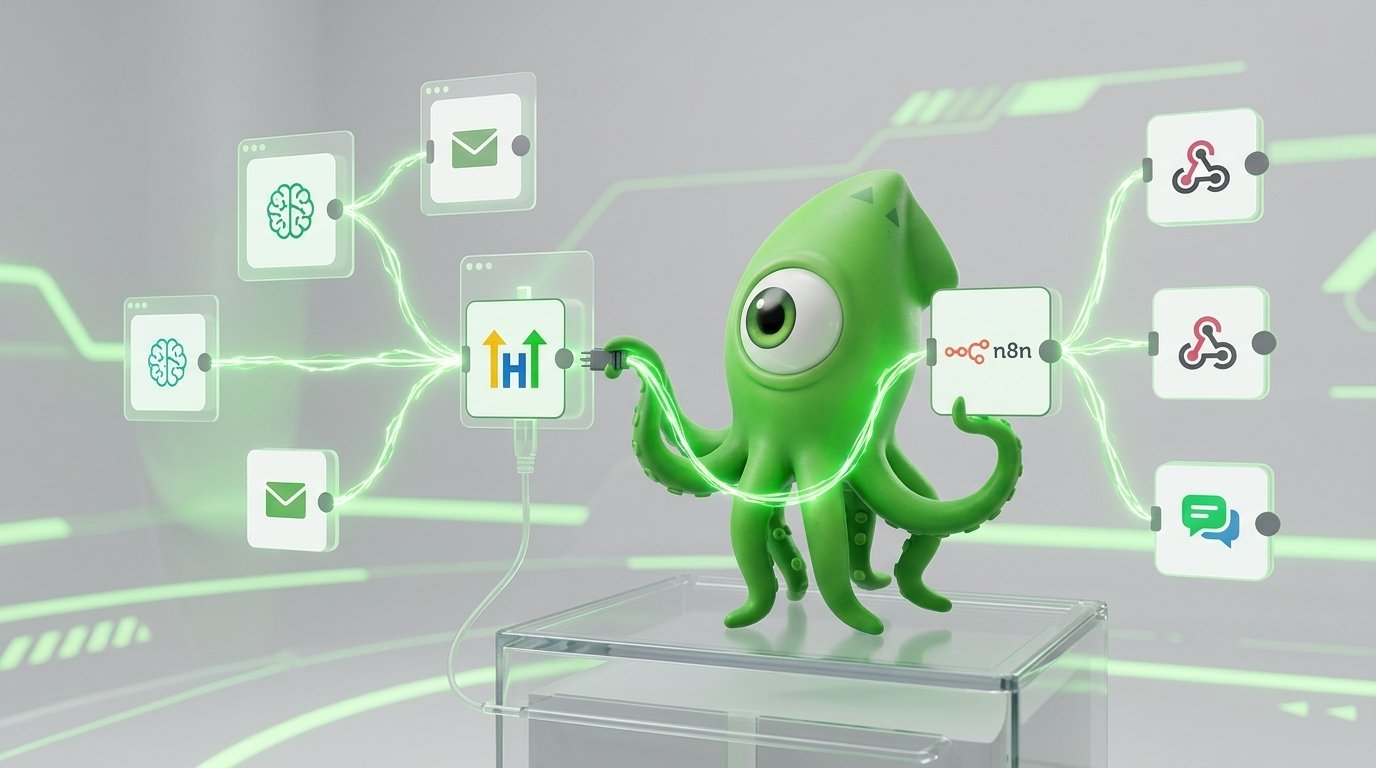
Supercharging your CRM by setting up an n8n gohighlevel automation allows solopreneurs to scale their operations efficiently. Specifically, an n8n workflow integrating agentic AI with GoHighLevel automates lead capture, dynamic nurturing, and customer support for solopreneurs (Source: Scale Your Business with an n8n Workflow). Consequently, by setting up these systems, you can focus on strategy rather than repetitive daily tasks.
Key takeaways for n8n gohighlevel automation
- Self-hosting n8n helps reduce the costs associated with high-volume tasks.
- Agentic AI can turn basic GoHighLevel pipelines into highly efficient sales engines.
- Hybrid automation allows you to mix visual workflows with custom code for better control.
- Automation workflows can handle a large portion of your daily operational tasks.
Native CRM automation is helpful, but it can sometimes lack the flexibility needed for complex operations. However, if you rely solely on GoHighLevel’s internal workflows, you might miss out on advanced routing and data formatting opportunities. Therefore, automation can handle many repetitive tasks, freeing up your time. As a solopreneurs, using tools like n8n, Ollama, and LangChain can help you stay competitive. Additionally, you can read more of our automation guides to optimize your tech stack. Many one-person agencies use these tools to compete with larger companies. Let us explore why combining n8n and GoHighLevel is a great way to scale your business.
Why self-host your n8n gohighlevel automation?
Why limit your business scaling potential with expensive, restrictive platforms? First, unlike Zapier, n8n can be self-hosted. This allows high-volume solopreneurs to avoid large subscription costs when processing thousands of tasks daily (Source: Scale Your Business with an n8n Workflow). You do not want to pay a high fee for every single API call you make. Furthermore, n8n offers a hybrid approach. This allows users to mix visual canvas nodes with custom code (Source: Scale Your Business with an n8n Workflow). This hybrid automation gives you great control over your API orchestration.
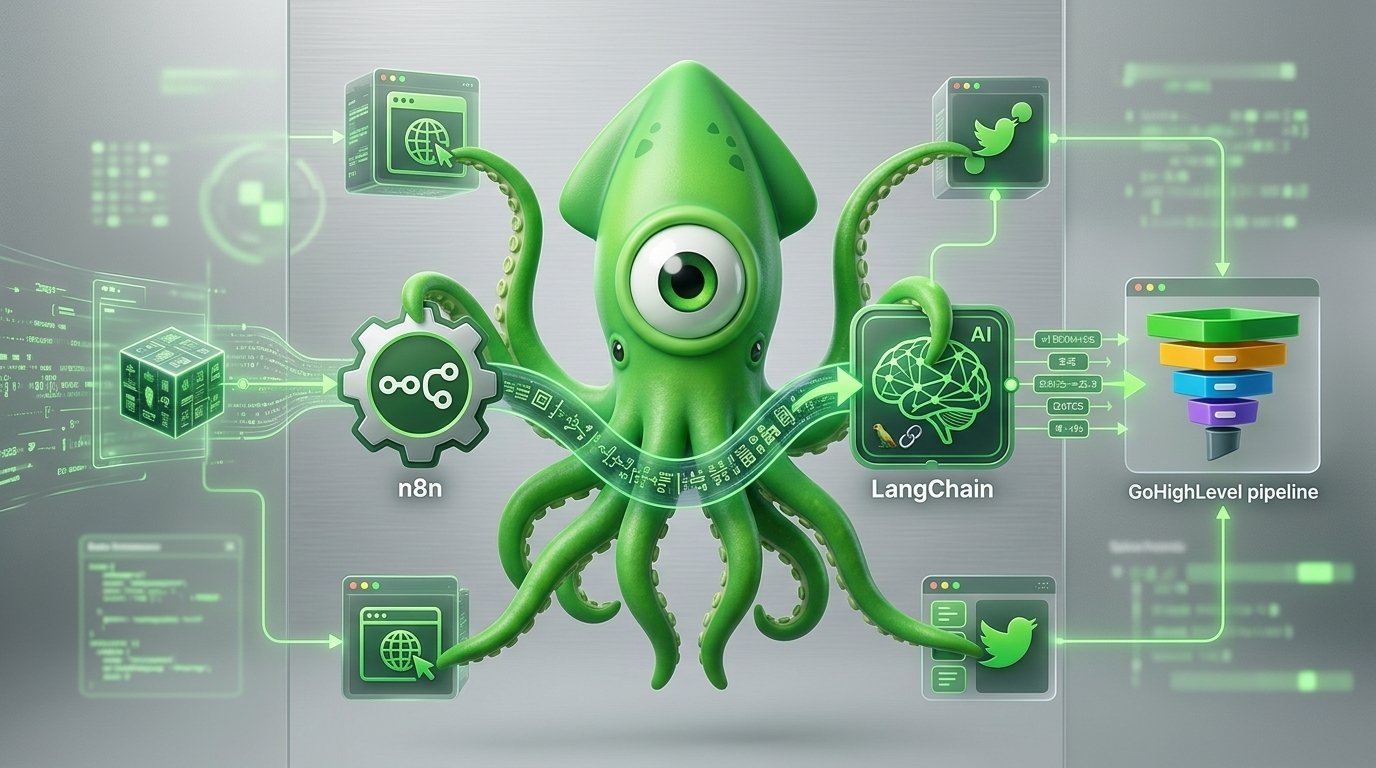
When you connect n8n to GoHighLevel, you unlock powerful CRM automation. You can use the GoHighLevel API to execute tasks that the native interface might struggle with. For example, you can route complex webhooks, format unstructured data, and push it directly into your pipelines. By doing this, you reduce the need for manual data entry. Additionally, setting up this n8n gohighlevel automation helps you bypass expensive third-party tools. If you want to Build an Agentic AI Workflow in n8n, starting with a self-hosted foundation is a smart move.
Self-hosting also gives you better control over your data privacy. When you run n8n on your own server, your customer data does not pass through third-party cloud servers. This is especially important if you handle sensitive client information. Setting up a self-hosted instance might take a little more technical effort at first. However, the long-term benefits in cost savings and data security are well worth the initial setup time.
How does agentic AI work with GoHighLevel?
Integrating intelligent AI agents with CRM platforms like GoHighLevel automates lead qualification, pipeline movement, contact tagging, and tailored follow-up sequences (Source: Scale Your Business with n8n AI Agents). By using open-source technology like Ollama alongside n8n, you can deploy AI agents that process information dynamically. First, these agents read incoming emails. Next, they determine what the prospect wants. Finally, they draft personalized responses.
After the AI processes the data, a conditional router in the n8n workflow can split the path. Consequently, it can either update the CRM directly via API or trigger a Slack notification for human review (Source: Scale Your Business with an n8n Workflow). This means you only step in when your attention is truly needed. Your business can handle routine inquiries automatically.
If you want to feed these agents with leads, you might consider using tools like the Product Hunt Lead Automation Workflow. It pushes fresh prospects right into this GoHighLevel engine. This setup helps you manage a high volume of leads without needing to hire a large sales team.
Furthermore, AI agents can be trained on your specific business data. You can feed them your FAQs, past successful sales emails, and product documentation. Therefore, when the AI drafts a response, it maintains your brand voice while operating at a speed no human could match.
What are the real-world benefits of n8n gohighlevel automation?
Let us look at the practical benefits driving this automation trend. Many solopreneurs find that using advanced workflow automation helps them increase their revenue capacity. When you do not have to spend hours doing manual data entry, you can spend that time closing deals and improving your product.
Industry trends show that businesses using AI-driven lead nurturing often see an increase in conversion rates. This happens because leads are contacted almost instantly. When a potential customer fills out a form, they want a quick reply. By adopting agentic AI, you drastically reduce response times. Customers today expect fast, helpful resolutions. If your setup lacks processing power, you might lose leads to competitors who reply faster. Adapting to these tools helps you stay competitive.
Moreover, automation reduces human error. When you manually copy and paste data from an email into a CRM, mistakes happen. Phone numbers get typed wrong, and names get misspelled. An n8n workflow transfers data perfectly every single time. This keeps your GoHighLevel database clean and reliable.
Step-by-step: Building your first workflow
If you are new to n8n and GoHighLevel, starting can feel overwhelming. However, breaking it down into simple steps makes it very manageable. Here is a basic guide to get you started.
- Set up your n8n instance: You can use the cloud version to test, but self-hosting on a platform like DigitalOcean or Hetzner is best for long-term savings.
- Create a webhook: In n8n, add a Webhook node. This will give you a unique URL. You can use this URL to catch data from your website forms or other apps.
- Connect your AI: Add an HTTP Request node or a LangChain node to send the incoming text to your AI model (like OpenAI or a local Ollama model). Ask the AI to extract the name, email, and the core question.
- Format the data: Use a Set node in n8n to organize the AI’s output into clean JSON format.
- Push to GoHighLevel: Finally, add an HTTP Request node. Use the GoHighLevel API to create or update a contact and add them to a specific pipeline stage.
Once you build this simple flow, you can expand it. You can add branches for different types of leads, or send SMS alerts for high-value prospects. The possibilities are truly endless.
What does CRM automation cost and offer?
Choosing the right tech stack affects your profit margins. Zapier can become expensive as your task volume grows. Native GoHighLevel is great but has some limits on complex logic. However, n8n combined with GoHighLevel provides a lot of freedom. Below is a breakdown of how these options compare.
| Platform Setup | Cost Structure | AI Integration | Self-Hosting |
|---|---|---|---|
| Native GHL | Included in GHL sub | Basic / Limited | No |
| Zapier + GHL | High (Per-task billing) | Moderate | No |
| n8n + GHL | Low (Server cost only) | Advanced (Agentic AI) | Yes |
As the table shows, the n8n route offers the best mix of low costs and high capabilities. Consequently, you pay a flat rate for your server, no matter how many tasks you run. This predictable pricing is a huge advantage for growing businesses.
Visualizing your automation workflow
Imagine a flowchart mapping out your lead generation process. First, the visual begins with a lead entering via a source like the Shopify Blog Automation Workflow or a WordPress Blog Automation. Next, the data flows smoothly into an n8n webhook node.
From there, the flowchart branches out. One path shows an AI agent analyzing the lead’s intent using LangChain. Meanwhile, another path shows the API pushing formatted data directly into GoHighLevel. Finally, the graphic highlights the conditional router. It visually splits between an automated email sequence and an urgent Slack alert. This map shows how you can manage your leads efficiently.
Visualizing your workflows before you build them is a great practice. You can use tools like Miro or Lucidchart to draw out the steps. This helps you spot missing logic or potential errors before you even write a single line of code or connect a single node in n8n.
Conclusion
Bridging n8n with GoHighLevel is a powerful strategy for any solopreneur looking to grow. Therefore, you do not need to rely on expensive software subscriptions or limited native integrations. Instead, you can build a reliable automation engine that runs smoothly around the clock.
By utilizing self-hosting, hybrid automation, and agentic AI, you can handle many of your daily operational tasks automatically. These automation strategies are highly effective. Start exploring your first n8n and GoHighLevel workflow today. Take control of your CRM automation, deploy helpful AI agents, and watch your one-person business grow steadily.
Sources
How does n8n compare to Zapier for GoHighLevel?
Unlike Zapier, n8n offers robust self-hosting options. This eliminates per-task pricing, making it much more scalable for solopreneurs who process high volumes of GoHighLevel API calls every day.
Can I use open-source AI with this GoHighLevel setup?
Yes. You can easily integrate local models via Ollama directly into your n8n workflows. This approach keeps your GoHighLevel lead nurturing data private, secure, and cost-effective.
Do I need to be a developer to use n8n?
No, you do not. n8n uses a hybrid visual canvas system. You can drag and drop nodes for most automation tasks. However, you still have the option to write custom code when complex API orchestration is required.
Start Automating Your business Today
Get a free consultation to understand how to automate your business with an n8n gohighlevel automation