
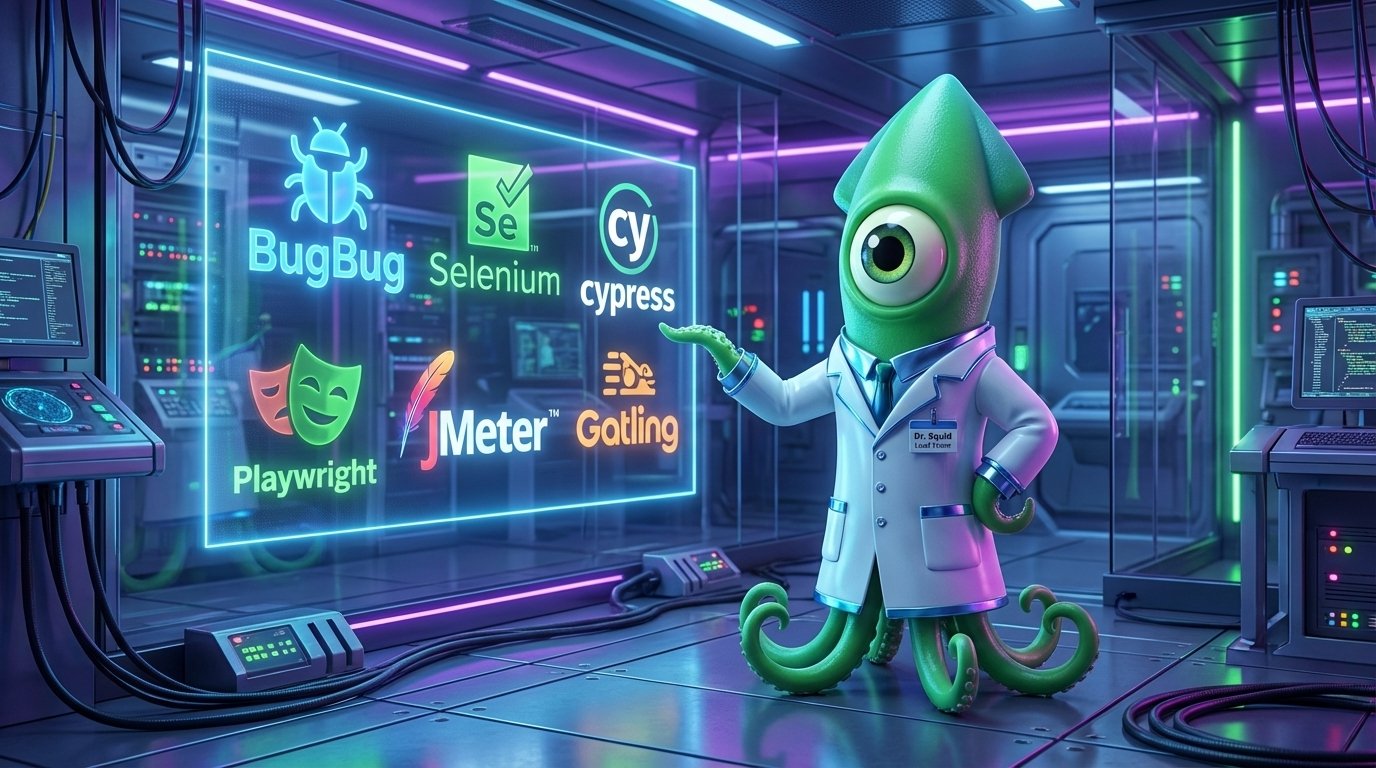
Open-source test automation tools give testing teams powerful, flexible, and low cost ways to ship quality software. Because they remove vendor lock in, teams can adapt scripts and frameworks quickly. As a result, budgets stretch further while coverage grows. For modern QA groups, that combination proves pragmatic and compelling.
These tools support a wide range of testing types. They include functional testing, regression testing, UI testing, cross-browser testing, load testing, and performance testing. In addition, many projects handle end-to-end automation, API checks, and data driven tests. They also run across web, mobile, and desktop platforms. Therefore teams can standardize on open frameworks.
Open-source solutions offer deep integration with CI/CD pipelines and tools like Jenkins, GitHub Actions, and GitLab CI. They scale well because communities add plugins and parallel execution support. However, teams should weigh trade offs like maintenance and expertise costs. Still, for many organizations open source delivers unmatched flexibility and ROI.
Popular projects include Selenium, Playwright, Cypress, Appium, JUnit, and tools for load testing. For example, Apache JMeter, Gatling, k6, and Artillery help measure performance. Moreover, community support accelerates fixes and plugins. Therefore adopting open source often reduces time to value.
open-source test automation tools overview
Open-source test automation tools are software frameworks and libraries that teams use to automate testing tasks. They let engineers script checks, run repeatable suites, and integrate tests into delivery pipelines. Because these tools are community driven, teams gain access to plugins, support, and frequent updates. As a result, teams can adapt quickly and avoid vendor lock in. “Open source tools have changed the software testing game by providing affordable and flexible solutions for quality.” Therefore they remain a pragmatic choice for many organizations.
These tools matter because they reduce costs and increase agility. They support functional, regression, UI, cross-browser, load, and performance testing. Moreover, they run across web, mobile, and desktop platforms. Most integrate with popular CI CD platforms like Jenkins, GitHub Actions, GitLab CI, and CircleCI. For example, see Jenkins, GitHub Actions, GitLab CI, and CircleCI.
Key benefits
- Flexibility and extensibility because source code is open and modifiable
- Community support and frequent contributions from developers worldwide
- Cost effectiveness and reduced licensing spend, so teams can “Automate your tests for free.”
- CI CD integration that enables automated pipelines and parallel execution
- Cross-platform coverage for web, mobile, and desktop testing
- Scalability for load and performance testing with tools like Gatling and Apache JMeter
For further context on developer tooling and open frameworks, read this article and see how agentic features influence collaboration at this link. Also explore framework safety discussions at this topic.
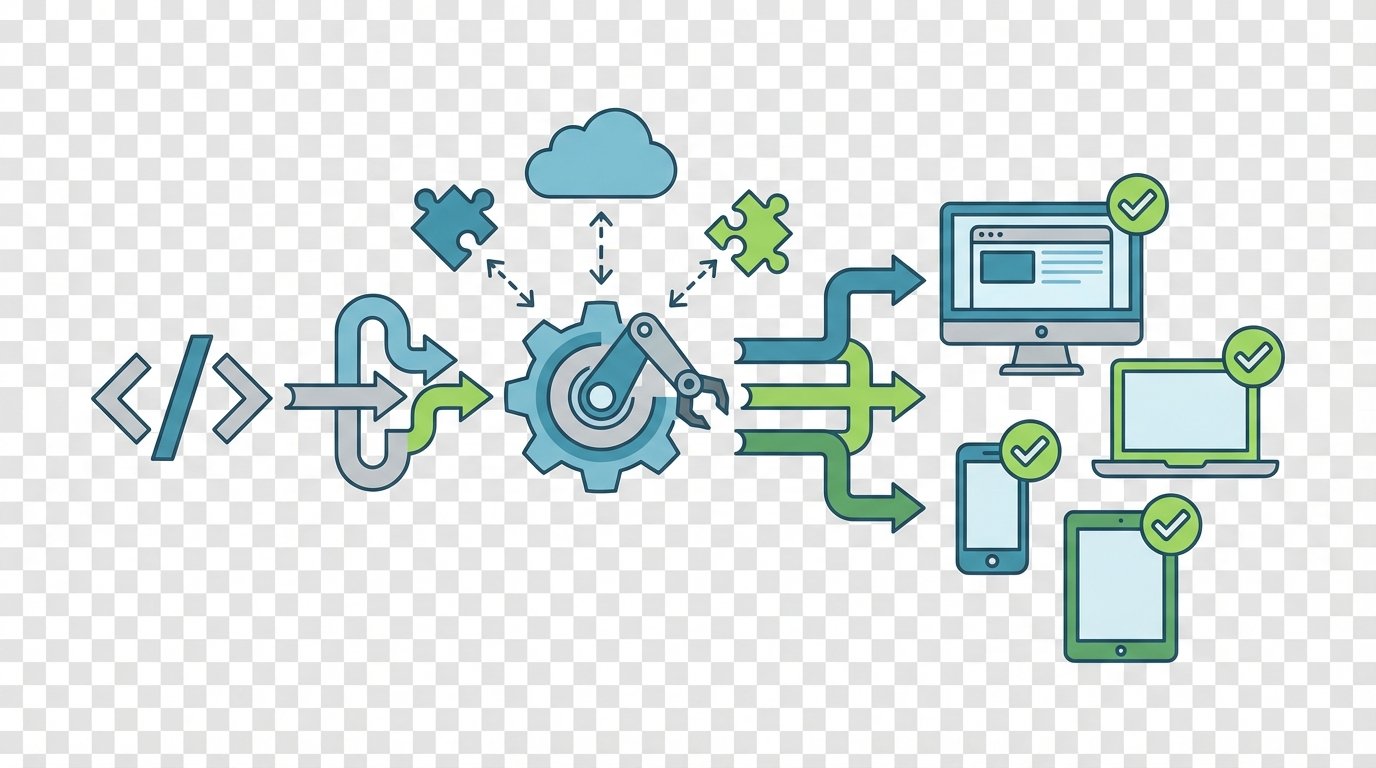
Selenium
Selenium is a long standing browser automation framework. It supports functional, regression, and cross browser testing. Tests run in Java, C#, or Python, so teams pick the language they prefer. Selenium integrates with CI CD platforms and Selenium Grid enables parallel execution. It holds a strong reputation with a G2 rating of 4.6 out of 5. For more details see Selenium Official Site.
BugBug
BugBug offers a Chrome extension that records and replays website interactions. Therefore non developers can create tests quickly. It supports UI and regression testing across web apps. BugBug provides a free forever tier and boasts a G2 rating of 4.8 out of 5. Learn more at BugBug Official Site.
Lighthouse
Lighthouse focuses on web performance and quality audits. It helps teams measure performance, accessibility, and SEO. Use it for performance testing and diagnostics. Lighthouse has a G2 rating of 4.5 out of 5. Explore Google Lighthouse at Google Lighthouse.
Cypress
Cypress delivers fast end to end testing for modern web apps. It emphasizes developer experience and real time debugging. Cypress supports UI and functional testing, and integrates with CI CD systems. Its G2 rating is 4.8 out of 5. Visit Cypress Official Site for docs.
JUnit
JUnit provides unit testing for Java projects. It is essential for test driven development and integration tests. JUnit integrates well with build tools and CI CD pipelines. Its G2 rating is 4.7 out of 5. See JUnit Official Site.
Playwright
Playwright offers reliable cross browser automation and supports web and mobile web testing. It enables parallel runs and rich automation features. Playwright integrates with CI CD and cloud runner services. Read more at Playwright Official Site.
Apache JMeter
JMeter targets load and performance tests for web applications. It simulates traffic and measures throughput and latency. JMeter integrates with CI CD for automated performance checks. Its G2 rating is 4.3 out of 5. See JMeter Official Site.
Gatling
Gatling focuses on high performance load testing. It scales well for complex scenarios and provides developer friendly DSLs. Gatling rates 4.8 out of 5 on G2. Learn more at Gatling Official Site.
Artillery
Artillery offers lightweight load testing for APIs and services. It suits quick performance checks and CI CD pipelines. Artillery has a G2 rating of 4.2 out of 5. Visit Artillery Official Site.
Optimizely X
Optimizely X supports experimentation and feature flagging. It helps teams run A B tests and optimize user experiences. Optimizely holds a G2 rating of 4.6 out of 5. More at Optimizely Official Site.
Postman
Postman is a leader for API testing and automation. Use it for functional API checks and automated collections. Postman integrates with CI CD and developer workflows. Its G2 rating is 4.3 out of 5. See Postman Official Site.
Open source tools have changed the software testing game by providing affordable and flexible solutions for quality. As a result, these projects remain popular because communities extend features, and teams avoid heavy licensing costs.
Comparison: open-source test automation tools
| Tool | Supported testing types | Platforms | CI/CD integrations | Free tier / Pricing notes | G2 rating | Scripting languages |
|---|---|---|---|---|---|---|
| Selenium | Functional, regression, UI, cross-browser | Web, mobile via wrappers, desktop via drivers | Jenkins, GitHub Actions, GitLab CI, Azure DevOps, CircleCI | Open source, no license fees | 4.6/5 | Java, C#, Python |
| BugBug | UI, regression, end-to-end | Web (Chrome) | Integrates with CI via exports and APIs | Free forever tier; paid plans available | 4.8/5 | No-code recorder; export scripts |
| Lighthouse | Performance, accessibility, SEO diagnostics | Web | CI via CLI in pipelines | Open source; free to run | 4.5/5 | Node CLI |
| Cypress | End-to-end, UI, functional | Web | Jenkins, GitHub Actions, GitLab CI, CircleCI | Open source core; commercial dashboard | 4.8/5 | JavaScript |
| JUnit | Unit tests, integration tests | Java applications | CI friendly with Maven Gradle and CI tools | Open source | 4.7/5 | Java |
| Playwright | Functional, UI, cross-browser, end-to-end | Web, mobile web | Jenkins, GitHub Actions, cloud runners | Open source; commercial runners exist | N/A | JavaScript, Python, Java, C# |
| Apache JMeter | Load, performance, functional for APIs | Web, API services | CI integration for automated runs | Open source | 4.3/5 | Java |
| Gatling | Load and performance testing | Web, API services | CI CD integration and scripts | Open source; enterprise edition available | 4.8/5 | Scala, Java |
| Artillery | Load testing for APIs and services | Web, APIs | Fits CI pipelines easily | Open source; paid plans available | 4.2/5 | JavaScript |
| Optimizely X | Experimentation and feature flagging | Web, mobile | Integrates with CI and delivery tools | Commercial platform with SDKs | 4.6/5 | Multiple SDK languages |
| Postman | API functional tests and automated collections | Web, API services | CI via Newman and CI integrations | Free tier; paid teams plan | 4.3/5 | JavaScript |
Conclusion
Open-source test automation tools deliver strong benefits for testing teams in 2026. They provide flexibility and cost savings, and they scale across web, mobile, and desktop. However, teams must weigh trade-offs like maintenance overhead and required technical skill. Therefore many organizations combine open-source frameworks with managed services to balance cost and reliability.
EMP0 leverages AI and automation to complement these toolchains. For example, EMP0 uses machine learning to prioritize flaky tests and to suggest test coverage gaps. As a result, teams reduce manual triage and speed releases. Moreover, EMP0 integrates automation into business workflows so testing becomes part of end-to-end delivery and revenue operations.
EMP0 offerings include
- Content Engine for automated content and test documentation
- Marketing Funnel that ties experiments to measurable outcomes
- Sales Automation for lead routing and conversion tracking
- Retargeting Bot that automates customer touchpoints
- Revenue Predictions driven by proprietary AI models
- Custom proprietary AI tools that augment test planning and analytics
For practical teams, open-source tools remain a pragmatic choice because they combine community innovation with low cost. Still, adding AI driven automation from EMP0 often improves signal to noise and raises ROI. Learn more at EMP0 profiles below.
Website: EMP0 Website
Blog: EMP0 Blog
Twitter/X: EMP0 Twitter
Medium: EMP0 Medium
n8n: EMP0 n8n
Frequently Asked Questions (FAQs)
What are the main benefits of using open-source test automation tools?
Open-source test automation tools reduce licensing costs and increase flexibility. They let teams modify and extend frameworks to meet specific needs. In addition, vibrant communities contribute plugins and fixes. Therefore teams often achieve faster innovation and better ROI. Finally, many tools support CI CD and multiple platforms.
How do these tools integrate with CI CD pipelines?
Most tools integrate easily with Jenkins, GitHub Actions, GitLab CI, Azure DevOps, and CircleCI. For example, test suites run as pipeline steps. Teams can trigger tests on commit or pull request. As a result, teams catch regressions earlier and speed releases.
What are best practices for working with open-source automation?
Organize tests into small, focused suites for faster feedback. Use data driven tests and page object patterns to reduce duplication. Run tests in parallel and isolate flaky tests. Also version test code alongside application code. Finally, monitor results and triage failures promptly.
Are open-source tools better than paid alternatives?
Open-source tools often win on cost and flexibility. However, paid tools provide dedicated support, integrated dashboards, and enterprise features. Therefore many teams mix open-source frameworks with commercial services to gain both control and reliability.
Which tool suits specific testing needs?
Choose Selenium, Playwright, or Cypress for UI and cross-browser testing. Use BugBug for quick recorder based tests. Pick Apache JMeter, Gatling, or Artillery for load testing. Use Postman for API automation and JUnit for unit testing. This mapping helps teams choose tools faster.