
Codeless automation testing: Faster releases with less code
Codeless automation testing puts powerful test automation in non-developers’ hands. Because it removes code barriers, teams iterate faster. As a result, testers, product managers, and developers collaborate closely. This approach speeds releases and reduces manual errors.
“Codeless Automation Testing, also known as “no-code” or “low-code” testing, uses graphical user interfaces (GUIs) to enable testers to create and run test scenarios and automate testing without writing a single line of code.”
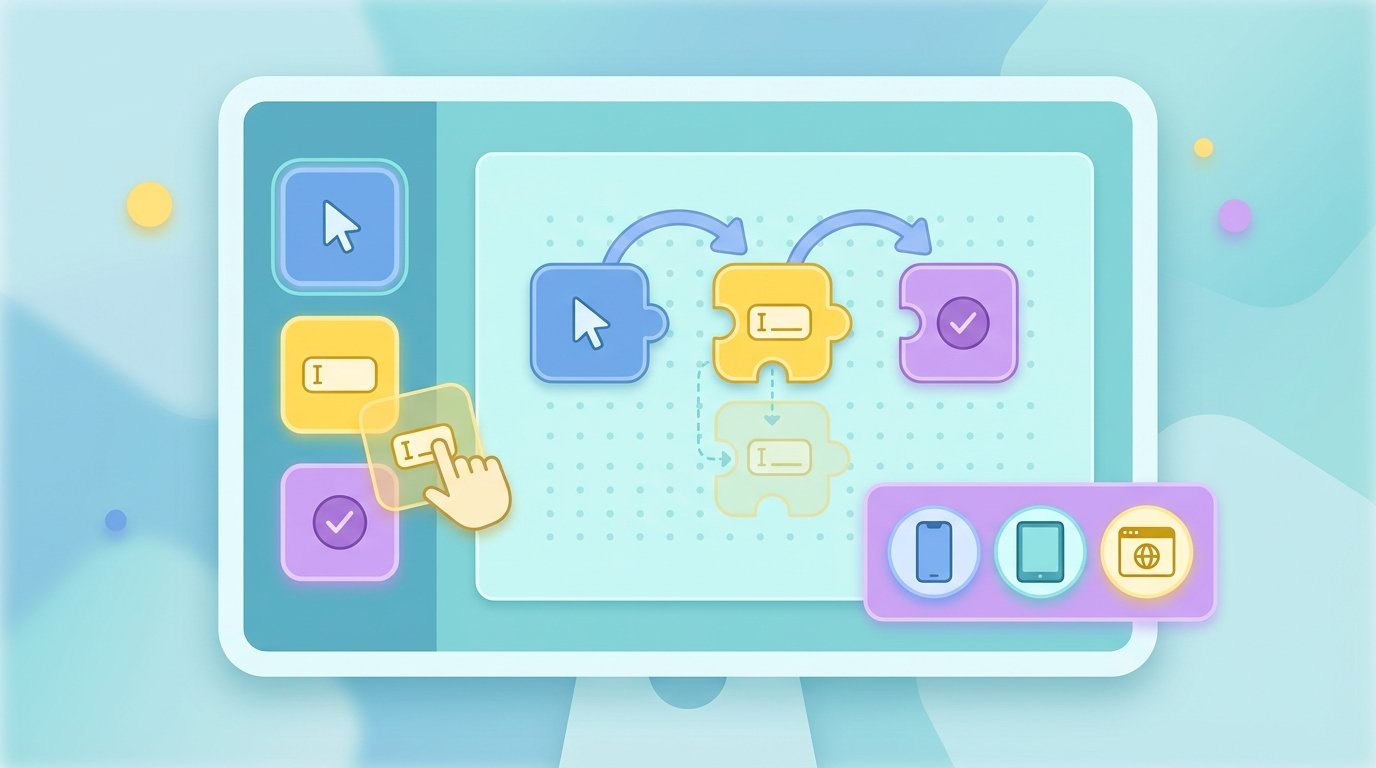
Therefore, visual tools use drag-and-drop builders and test recorders. They let teams create UI tests, API checks, and cross-browser runs. In short, no coding skills are required.
In this article we compare leading tools, show how to integrate codeless tests into CI/CD, and share practical tips. We cover BugBug, BrowserStack, KaneAI, TestCraft, Katalon Studio, and more. Moreover, we explain visual test creation, test maintenance, and AI-driven updates. By the end you will know when to choose no-code testing, and how to scale automation across teams and pipelines.
Best Codeless automation testing tools and what makes them stand out
Choosing the right tool depends on team size, platform coverage, and CI/CD needs. Below are top codeless and low code test tools, their key features, supported platforms, AI capabilities, CI/CD integrations, and G2-style ratings.
-
BugBug — fast, developer-friendly codeless recorder
- Key features: Edit & Rewind test recorder, fast local and cloud execution, visual test maintenance, test recorder that captures flows
- Supported platforms: Web applications, cross-browser testing
- AI integration: Smart element detection and auto-heal for selectors
- CI/CD: Easy integration with common CI systems and pipelines
- G2 rating: 4.8/5
BugBug focuses on speed and simplicity. Therefore, it fits Agile teams and startups that need quick test coverage without heavy setup. “Test easier than ever with BugBug test recorder. Faster than coding. Free forever.”
-
BrowserStack — device and browser matrix for broad coverage
- Key features: Real device cloud, parallel test execution, visual debugging, screenshots and video
- Supported platforms: Web and mobile across wide device/browser combinations
- AI integration: Visual logs and smart failure grouping to speed triage
- CI/CD: Native integrations with Jenkins, GitHub Actions, GitLab CI, CircleCI
- G2 rating: 4.5/5
BrowserStack is ideal when you must validate across many browsers and devices. However, combine it with a codeless recorder to build tests faster.
-
KaneAI by LambdaTest — GenAI-native codeless testing
- Key features: Natural language test creation, AI-assisted maintenance, parallel execution
- Supported platforms: Web and mobile via cloud device farm
- AI integration: GenAI-native test generation and self-healing selectors
- CI/CD: Integrates with standard CI/CD pipelines and reporting tools
- G2 rating: 4.2/5
KaneAI focuses on AI-first workflows. As a result, it speeds test authoring for non-developers and supports rapid test maintenance.
-
TestCraft — Selenium-based visual test builder
- Key features: Drag-and-drop test creation, visual test flow editor, parallel Selenium execution
- Supported platforms: Web (Selenium foundation) with cross-browser support
- AI integration: Element resilience and auto-fix suggestions
- CI/CD: Works with Jenkins, TeamCity, and most CI systems
- G2 rating: 4.4/5
TestCraft offers a bridge between no-code visual design and Selenium power. Therefore, teams wanting longevity and extensibility often pick it.
-
Katalon Studio — full-stack: web, mobile, API, desktop
- Key features: Unified testing for UI and API, built-in analytics, test reporting
- Supported platforms: Web, mobile, API, desktop applications
- AI integration: Smart test suggestions and AI-assisted flakiness detection
- CI/CD: Integrates with Jenkins, Azure DevOps, GitHub Actions, and others
- G2 rating: 4.5/5
Katalon Studio is suitable for teams needing multi-channel testing, including APIs and desktop apps.
-
CloudQA — cloud-first web testing with data-driven focus
- Key features: Data-driven codeless tests, cloud execution, scheduling and monitoring
- Supported platforms: Web applications and browser testing
- AI integration: Maintenance helpers and visual diffs
- CI/CD: Connects to CI systems for automated runs
- G2 rating: 4.5/5
CloudQA streamlines web regression and repetitive flows. Therefore, it suits teams that run frequent scheduled checks.
-
SoapUI — leading API testing tool with codeless options
- Key features: REST and SOAP testing, API mocking, assertions and load testing
- Supported platforms: APIs and backend services
- AI integration: Limited, focused on API intelligence and smart assertions
- CI/CD: Strong support for pipelines, with plugins and CLI tools
- G2 rating: 4.5/5
SoapUI remains the go-to for API-first testing. As a result, teams testing microservices and integrations rely on it.
-
Kobiton — mobile-focused codeless automation and real devices
- Key features: Real-device testing, codeless automation, device logs and crash reporting
- Supported platforms: Mobile iOS and Android on real devices
- AI integration: Visual test reporting and heuristics for failures
- CI/CD: Integrations for mobile CI pipelines and services
- G2 rating: 4.3/5
Kobiton is best for teams that need accurate mobile behavior on real devices.
Further reading and related topics
- For AI-driven testing pipelines and why automation matters see: AI-driven testing pipelines
- To compare test automation strategies and speed up releases read: Test automation strategies
- If you are choosing between Playwright and Selenium for CI efficiency, consult: Playwright vs Selenium
This tool roundup should help you match capabilities to needs. Next we will show how to integrate these codeless tools into CI/CD and scale automation across teams.
Codeless automation testing tool comparison
| Tool | User interface | Supported platforms | CI/CD integration | AI features | Pricing model | G2 rating |
|---|---|---|---|---|---|---|
| BugBug | Intuitive test recorder with Edit & Rewind and visual editor | Web and cross-browser testing | Easy integration with Jenkins and GitHub Actions | Smart element detection and auto-heal | Freemium then paid tiers for teams | 4.8/5 |
| BrowserStack | Cloud UI with live device and debugging panels | Web and mobile on many real devices and browsers | Native plugins for Jenkins, GitHub Actions, GitLab CI | Visual logs and failure grouping | Usage-based and team plans | 4.5/5 |
| KaneAI (LambdaTest) | Natural language prompts plus visual editor | Web and mobile via cloud device farm | CI pipeline integrations and reporting | GenAI-native test generation and self-heal | Subscription tiers | 4.2/5 |
| TestCraft | Drag-and-drop visual flow editor built on Selenium | Web with cross-browser Selenium execution | Works with Jenkins, TeamCity, others | Element resilience and auto-fix hints | Enterprise licensing | 4.4/5 |
| Katalon Studio | Unified IDE style UI for UI, API, desktop tests | Web, mobile, API, desktop | Integrates with Jenkins, Azure DevOps, GitHub Actions | Flakiness detection and smart suggestions | Free and commercial tiers | 4.5/5 |
| CloudQA | Cloud console focused on data-driven codeless tests | Web applications and browser runs | Connects to CI systems for automated runs | Visual diffs and maintenance helpers | Subscription-based | 4.5/5 |
| SoapUI | Project-driven UI for API design and assertions | REST and SOAP APIs, backend services | CLI and plugins for CI pipelines | Smart assertions and API intelligence | Open source plus pro license | 4.5/5 |
| Kobiton | Mobile-first console with real-device controls | Real iOS and Android devices | Mobile CI integrations and device labs | Visual reporting and failure heuristics | Usage and team plans | 4.3/5 |
Quick tips
- Match platform needs first, because platform coverage limits tool choice.
- Next, consider CI/CD support and pricing for scale.
- Finally, pick AI features if you expect heavy maintenance work.
Integrating Codeless automation testing into CI/CD
Codeless automation testing fits naturally into modern CI and CD pipelines. Because visual tests run without code, teams onboard faster. As a result, teams detect regressions earlier and release faster.
Why integrate codeless tests
- They speed feedback cycles, because tests run automatically on each push.
- They reduce human error by replacing repetitive manual checks with automation.
- They enable cross functional teams, because non developers can author tests with drag and drop editors.
How to add codeless tests to your pipeline
- Record or build tests locally. For example, use BugBug to capture flows with Edit and Rewind. Then refine steps in the visual editor.
- Store tests with your project artifacts. Export stable test suites to the repository or a test storage service.
- Configure CI jobs to trigger test runs. Most codeless tools provide CLI hooks or APIs to start runs from Jenkins or GitHub Actions.
- Run tests in parallel in the cloud. Therefore you cut wall clock time and surface environment specific failures.
- Report and triage failures. Integrate results with issue trackers and chat tools so teams act fast.
Practical tips and patterns
- Use smoke suites on pull requests and run full suites nightly. This balances speed and coverage.
- Add retries and self healing where supported to reduce flakiness. Katalon Studio offers flakiness detection and analytics for this.
- Keep test data isolated so runs remain deterministic and repeatable.
- Use environment tags to run platform specific tests only when needed.
Getting started checklist
- Pick a codeless recorder for fast authoring.
- Wire the tool into your CI system via API or plugin.
- Automate reporting and link failures to tickets.
Integrating codeless tools into CI and CD reduces friction. Therefore teams ship with higher confidence and at greater speed.
Conclusion
Codeless automation testing transforms how teams build quality into releases. It removes code barriers and speeds test authoring. As a result, teams reduce manual work and catch regressions earlier.
Ease of use is a primary benefit because drag-and-drop editors make tests accessible. Therefore non developers can own end-to-end test flows. Additionally, AI features like self healing reduce maintenance. This leads to faster and more reliable releases.
EMP0 is a US-based company that helps businesses adopt AI and automation. They offer solutions to leverage codeless automation testing for revenue growth and operational efficiency. For consulting or tools, contact EMP0 at EMP0 and explore their blog at their blog. Follow updates on Twitter at Twitter and Medium at Medium. Learn about automation recipes at automation recipes.
Start small with a smoke suite, then expand coverage. Contact EMP0 to plan an automation roadmap and accelerate releases. Get hands-on guidance and measurable ROI when you combine codeless testing with CI/CD pipelines.
Frequently Asked Questions (FAQs)
What is codeless automation testing?
Codeless automation testing uses GUIs to create and run automated tests without writing code. It relies on drag-and-drop builders, recorders, and visual editors. As a result, non developers can author end-to-end UI and API tests.
Which are the best tools for codeless automation testing?
Top tools include BugBug, BrowserStack, KaneAI by LambdaTest, TestCraft, Katalon Studio, CloudQA, SoapUI, and Kobiton. Each tool targets different needs. For example, BugBug offers Edit & Rewind; Katalon supports multi platform testing.
How does codeless testing integrate with CI/CD?
Most tools provide APIs, CLIs, or plugins for Jenkins and GitHub Actions. Therefore teams trigger tests on commits, run parallel suites, and report results to issue trackers. This speeds feedback and reduces manual work.
Does codeless testing require coding skills?
No. However, basic scripting helps for advanced scenarios and custom validations. Yet many teams achieve broad coverage with drag-and-drop steps and recorders alone.
What benefits does codeless automation testing provide?
Benefits include faster authoring, lower maintenance, reduced human error, and wider team participation. Also AI features reduce flakiness. Together these improvements lead to faster releases and higher quality.