
My Experience with Acuity Scheduling: How Automation Changed My Business
Juggling a full time job and a growing side hustle often felt like an impossible task. My calendar was a chaotic mix of sticky notes and last minute text messages from clients. I constantly worried about double booking appointments or completely forgetting one. Therefore, I knew I needed a better system to bring some order to the chaos, one that could manage my schedule without my constant supervision. My search for a solution led me to the world of automation and online scheduling tools.
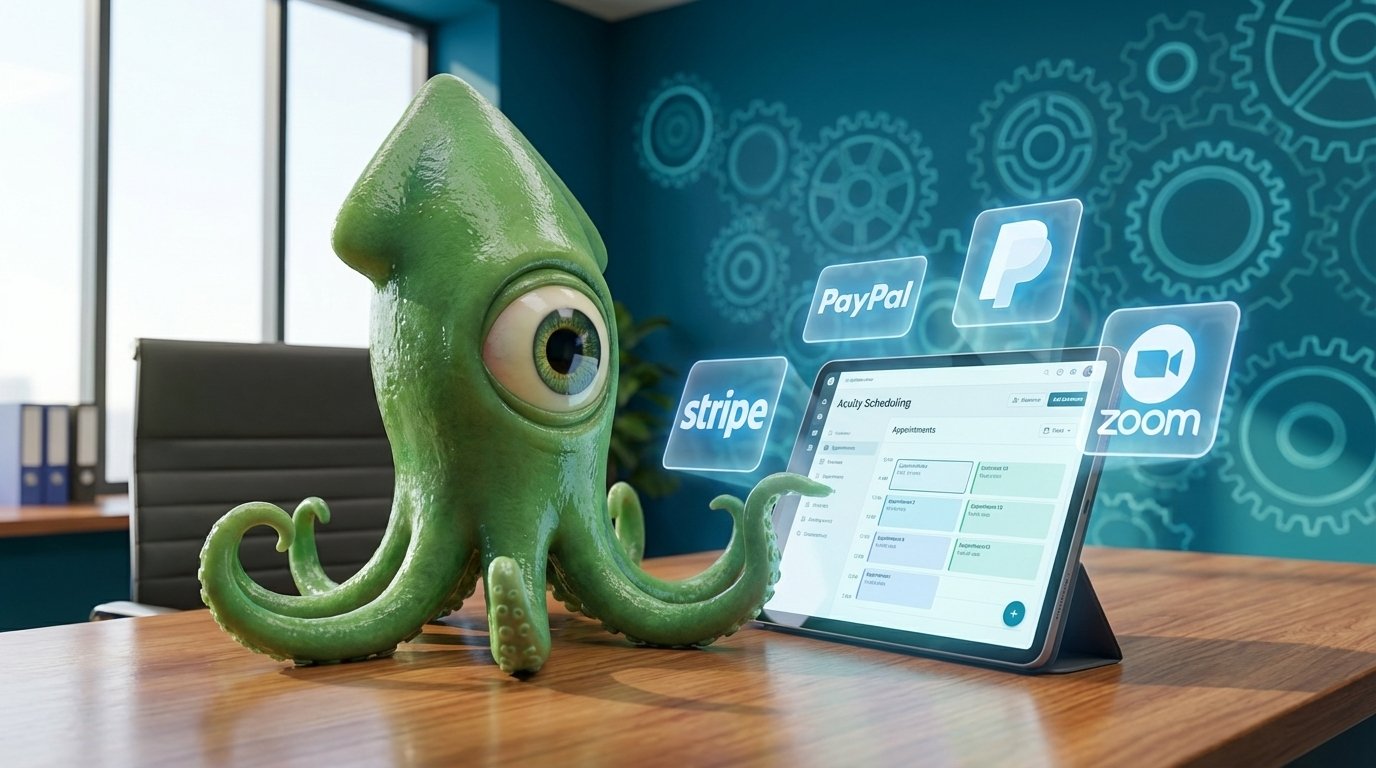
After exploring a few options, I decided to try Acuity Scheduling. This powerful platform promised to streamline everything from booking client appointments to processing payments online. For a small business owner like me, the idea of automating these time consuming tasks felt like a dream. Consequently, it meant I could stop being a full time scheduler and focus my energy on the creative parts of my business that I truly love. The tool offered a way to create a professional and smooth booking experience for my clients. As a result, they could easily view my real time availability and select a time that worked for them, eliminating the endless back and forth emails.
This single change had a massive impact on my day to day operations and my overall peace of mind. In this article, I will share my complete journey with Acuity Scheduling. I will guide you through the setup process, highlight the features that made the biggest difference, and explain how it ultimately helped me reclaim my valuable time. If you are a small business owner feeling buried under administrative work, then this review is for you. Let’s dive into how automation can truly transform your workflow.
Key Features and Integrations
When I started using Acuity Scheduling, I was immediately impressed by its comprehensive set of features. The platform is designed to be flexible, catering to a wide variety of small business needs. For me, the ability to automate client bookings and rescheduling was a huge relief. It made it “super easy to be a bit more hands free and really focus on getting my witchy dreams finally off the ground.” Here are some of the key features and integrations that stood out to me.
Customizing Appointment Types in Acuity Scheduling
Setting up my services was straightforward and highly customizable. I could create different appointment types for everything I offered, which was perfect for my varied services. For each appointment, I could define specific details to give my clients all the information they needed upfront. These details include:
- Service Details: You can set the name, description, duration, and price for each service. For example, I could create a 30 minute card reading and a separate 90 minute session for a hex.
- Organization: You can assign categories and even custom colors to keep your offerings organized.
- Client Information: I found the option to add intake forms particularly useful for collecting necessary information from clients before our appointments.
- Privacy and Visuals: You also have the option to make certain appointment types private and add images to make your booking page more appealing.
Availability and Payment Processing
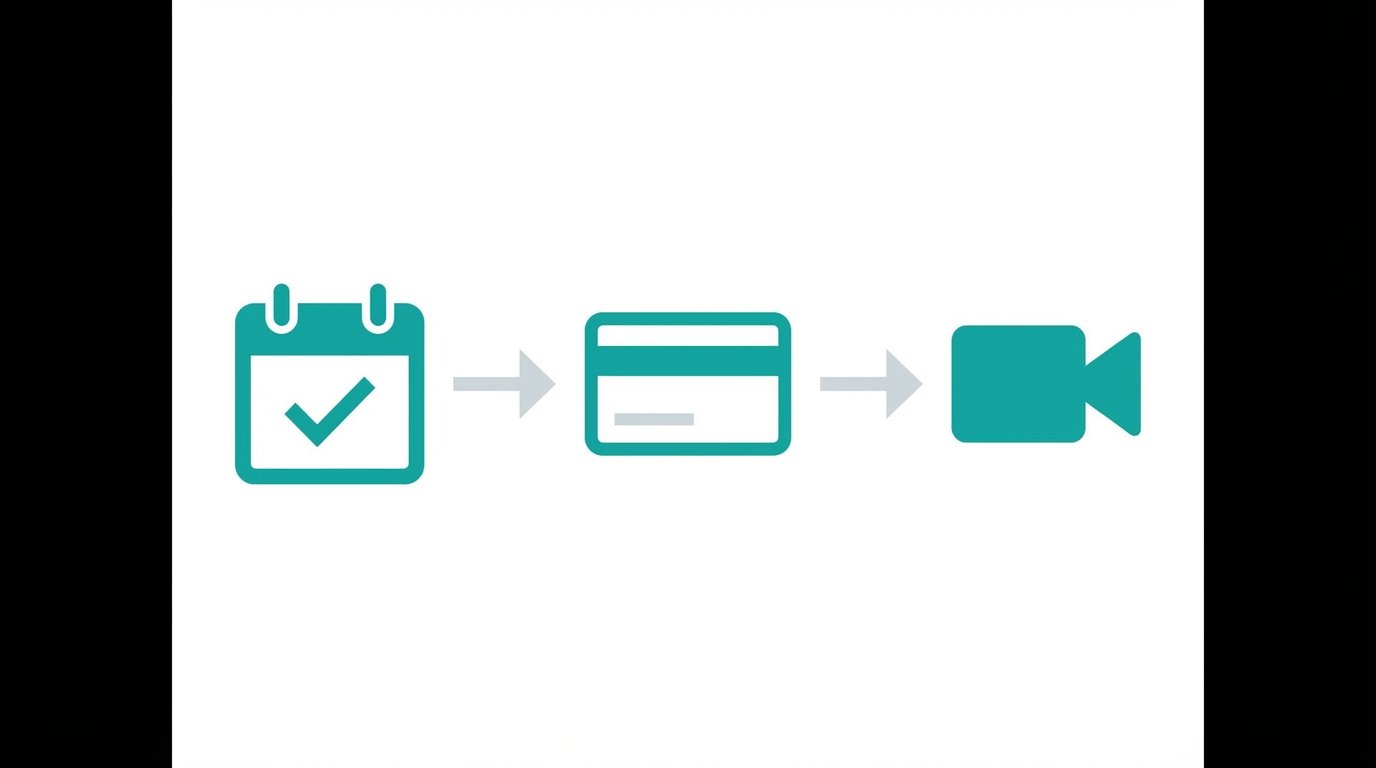
You have complete control over your schedule. I could set my regular weekly hours and also override them for specific days when I had other commitments. Furthermore, the platform allows you to limit how many appointments you take per day, which is great for preventing burnout. When it comes to getting paid, Acuity Scheduling connects directly with popular payment gateways like Stripe, Square, and PayPal. This integration simplifies the entire process. As the company states, “Acuity has several options, requiring: payment in full, a deposit, or card details that can be charged later.” This flexibility is a fantastic feature for both business owners and their clients.
Virtual, In Person, and Airbnb Integrations
The platform supports both virtual and in person appointments seamlessly. For my online sessions, I could connect my account to video conferencing tools like Zoom, Google Meet, Join.me, and GoToMeeting. This integration automatically creates a unique meeting link for each booked appointment. Additionally, for those in the hospitality space, Acuity Scheduling offers an optional integration with Airbnb, allowing you to sync your booking calendars. This versatility makes it a powerful tool for a diverse range of small businesses.
Trying Acuity Scheduling Risk Free: Pricing and a True Free Trial
One of the first things that attracted me to Acuity Scheduling was its free trial. I was hesitant to commit to a new tool without testing it first. Thankfully, Acuity offers a seven day free trial, and what really impressed me was that they did not ask for my credit card information upfront. This made the experience feel genuinely risk free. As I discovered, Plus, you get a seven day free trial, and Acuity doesn’t even require a credit card number until the trial is over—so it’s a true free trial (a rarity these days). This approach gave me the confidence to explore the platform’s features without any pressure or hidden commitments.
After the trial period, I had to decide which plan was the right fit for my business. Acuity Scheduling offers several tiers, which makes it accessible for businesses of all sizes. The plans are structured to scale with your needs. The options include:
- Starter: This plan costs $20 per month and is great for individuals just starting out.
- Standard: At $34 per month, this plan offers more features for growing businesses.
- Premium: For $61 per month, this tier provides advanced features for established businesses.
- Enterprise: They also offer custom enterprise solutions for larger organizations.
To make their plans even more affordable, Acuity provides a significant discount if you choose to pay annually. You can save 20% by opting for a yearly subscription, which is a smart choice for long term users. Additionally, for new users on the Business plan, there is often a promotional code available. For example, using the code WIRED20 can provide a 20% discount on a new subscription. This flexibility in pricing and the opportunity to save money make Acuity Scheduling an excellent value for the powerful automation it delivers.
| Feature | Starter Plan | Standard Plan | Premium Plan | Enterprise Plan |
|---|---|---|---|---|
| Monthly Price | $20 | $34 | $61 | Custom |
| Core Function | Unlimited Services & Appointments | Includes all Starter features | Includes all Standard features | Includes all Premium features |
| Payment Processing | Stripe, Square, & PayPal | Stripe, Square, & PayPal | Stripe, Square, & PayPal | Stripe, Square, & PayPal |
| Video Integrations | Zoom, Google Meet, etc. | Zoom, Google Meet, etc. | Zoom, Google Meet, etc. | Zoom, Google Meet, etc. |
| Appointment Packages | No | Yes | Yes | Yes |
| Gift Certificates | No | Yes | Yes | Yes |
| Subscriptions | No | No | Yes | Yes |
| Custom Branding | Basic Customization | Remove “Powered By” | Remove “Powered By” | Full Customization |
| HIPAA Compliance | No | No | Available as Add On | Available |
The First Step to a Hands Free Business
My journey with Acuity Scheduling has truly been a game changer for my small business. It transformed my chaotic workflow into a streamlined process, completely eliminating the frustrating back and forth emails that once consumed my days. More importantly, it gave me back valuable time to focus on what I love. The seamless payment integrations with trusted platforms like Stripe, Square, and PayPal, along with extensive personalization options, helped me create a professional booking experience that my clients appreciate. For any small business owner drowning in administrative work, Acuity Scheduling is an excellent first step toward reclaiming your time.
However, automating your calendar is just the beginning. To truly scale your business and multiply your revenue, you need a more comprehensive approach. This is where a full stack provider like EMP0 can elevate your operations. As a leader in AI and automation solutions, EMP0 provides tools that go far beyond scheduling. By pairing the power of Acuity with EMP0’s intelligent automation for marketing, sales, and customer service, you can build a truly efficient and profitable business. Taking control of my schedule was the start; embracing a full stack AI strategy is the key to future growth. You can explore more automation insights on our blog at articles.emp0.com and see our creator content on n8n.io/creators/jay-emp0.
Frequently Asked Questions (FAQs)
Here are some common questions about using Acuity Scheduling to automate your business operations. These answers should help you understand if it is the right tool for you.
What payment options can I offer my clients with Acuity Scheduling?
You have several flexible options for accepting payments. Acuity Scheduling integrates directly with major payment processors, including Stripe, Square, and PayPal. Because of this, you can require clients to pay the full amount at the time of booking. Alternatively, you can ask for a deposit to hold their spot. There is also an option to simply collect credit card details upfront and charge them later. This versatility ensures a smooth and professional payment experience for your clients, which ultimately helps build trust.
How does the seven day free trial work?
The free trial is genuinely risk free, which is something I found very refreshing. You get seven full days to explore all the features of the platform. Crucially, Acuity Scheduling does not require you to enter a credit card number to start the trial. Therefore, you can test everything thoroughly without worrying about an automatic charge once the trial period ends. This approach gave me the confidence to dive in and see if the tool was the right fit for my business needs before making any financial commitment.
Can I customize my online scheduling page to match my brand?
Yes, absolutely. Acuity Scheduling offers great customization features to ensure your booking page looks and feels like your brand. For example, you can upload your business logo, add a photo of yourself, and include relevant images for different services. You can also personalize the design by choosing custom fonts and color palettes that align with your website. As a result, this helps create a consistent and professional online presence that clients will recognize and trust.
What types of software and platforms can I integrate with Acuity Scheduling?
Acuity Scheduling connects with a wide range of popular tools to streamline your workflow. For virtual meetings, it integrates seamlessly with video conferencing platforms like Zoom, Google Meet, Join.me, and GoToMeeting. It also works with various calendar applications, email marketing services, and accounting software. Furthermore, there is even an optional integration for Airbnb hosts. You can explore a full list of available connections on the Squarespace help center.
How much control do I have over my appointment availability?
You have complete control over your schedule. The platform allows you to set your regular business hours for each day of the week. In addition, you can easily block off specific times or days when you are unavailable. This feature is perfect for managing holidays or personal appointments. You can also set limits on how far in advance clients can book appointments and even cap the total number of bookings you receive per day. This level of control prevents overbooking and helps you maintain a healthy work life balance.