

Software Testing Automation and CI/CD: Best Practices for Speed and Quality
Do slow development cycles and last minute bugs disrupt your workflow? Releasing high quality software at a rapid pace is a primary challenge in today’s competitive market. Fortunately, software testing automation and CI/CD provide a powerful solution. This combination streamlines the entire development process, from the moment a developer commits code until it reaches production. Consequently, it creates a seamless path for new features to go live.
Integrating automated tests into a Continuous Integration and Continuous Delivery (CI/CD) pipeline has become essential for modern software teams. This strategy helps developers identify and resolve issues much earlier in the development lifecycle. Because bugs are caught sooner, the overall process becomes more efficient and predictable. Therefore, your team can deploy updates with greater confidence and less risk.
In this guide, we will explore the best practices for mastering software testing automation and CI/CD. You will learn how to configure effective pipelines for maximum impact. Additionally, we will discuss selecting the right automation tools and implementing strategies that enhance both deployment speed and software quality. Prepare to revolutionize your development workflow and build a more reliable release process.
Understanding Software Testing Automation and CI/CD: Fundamentals and Tools
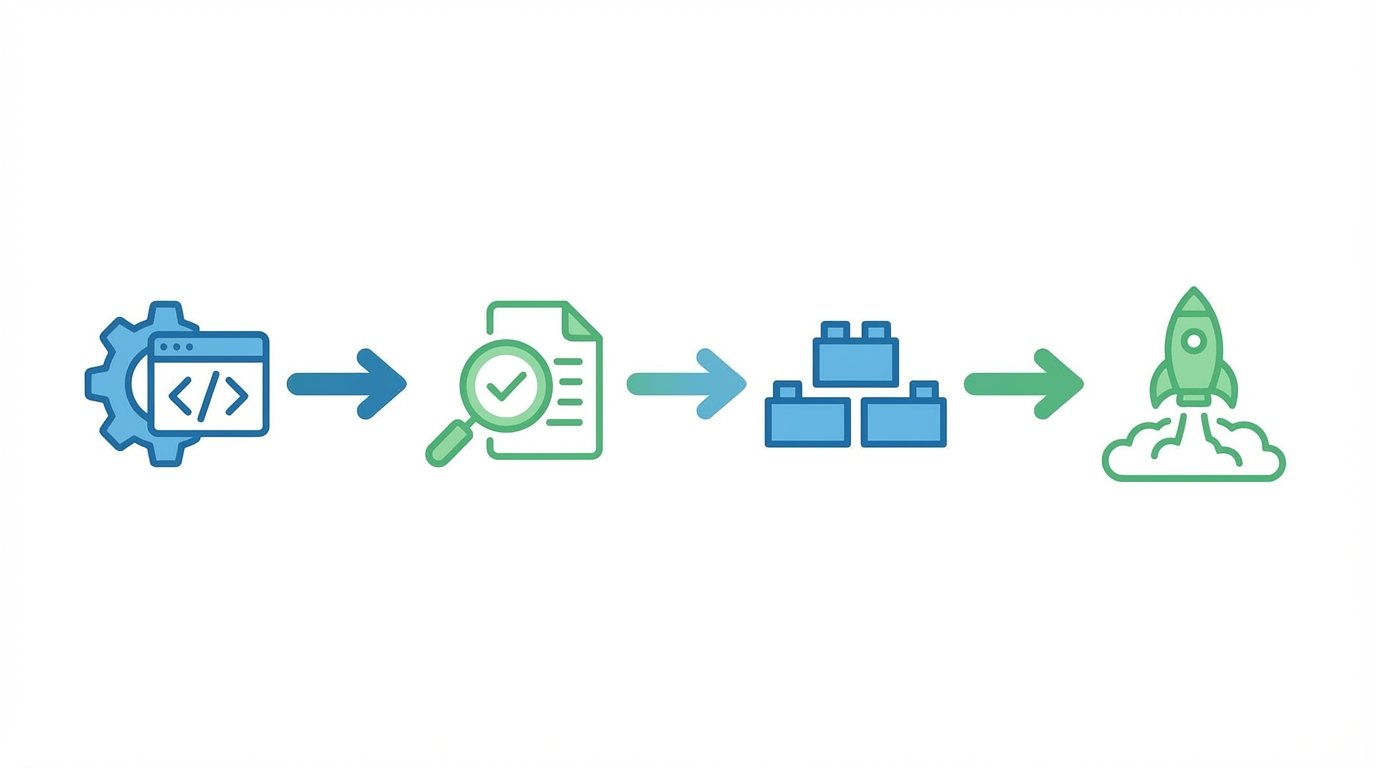
At its core, Continuous Integration (CI) is a development practice where programmers frequently merge their code changes into a central repository. After each merge, an automated build and test sequence runs. This process helps teams detect integration issues early, which makes them easier to fix. As a result, the codebase remains in a consistently stable state. The main goal of CI is to prevent the complex integration problems that often arise when developers work in isolation for too long.
Following CI, Continuous Delivery (CD) automates the release of the validated code to a repository. CD ensures that every code change that passes the automated tests is ready for deployment. This practice extends the benefits of CI by preparing a deployment ready artifact that has already undergone rigorous testing. The result is a faster, more reliable release cadence. Therefore, teams can deliver value to users more frequently and with greater confidence.
Key Platforms in Software Testing Automation and CI/CD
Numerous platforms offer robust solutions for implementing CI/CD pipelines. These tools automate the build, test, and deployment phases, making them indispensable for modern DevOps practices. Each platform provides unique features to support development workflows. Here are some of the most popular choices:
- Jenkins: An open source automation server, Jenkins has an extensive plugin ecosystem. This flexibility allows it to support a wide variety of development and automation tasks.
- GitHub Actions: Integrated directly within GitHub, GitHub Actions lets you automate workflows right from your repository. It is a convenient option for teams already using GitHub for version control.
- GitLab CI/CD: As part of the GitLab platform, this tool provides a seamless experience from code commit to deployment. It is known for its strong integration and comprehensive feature set.
- CircleCI: A cloud based service, CircleCI focuses on speed and scalability. It offers features like parallel execution and a straightforward setup process to accelerate development.
- Travis CI: One of the earliest CI/CD solutions, Travis CI integrates closely with GitHub projects. It automates the build and test phases to ensure code quality with every commit.
Ensuring Quality: Regression Testing and Automation Best Practices
In a dynamic CI/CD environment, new code is constantly integrated into the main branch. While this accelerates development, it also introduces the risk of breaking existing features. This is where regression testing becomes critical. Regression testing verifies that recent code changes do not adversely affect existing functionalities. As many experts agree, “Regression testing is the backbone of software quality.” By automating this process, teams can ensure that every new feature or fix contributes to a stable and reliable product without slowing down the release cycle.
Effective test automation is about more than just running tests repeatedly. It involves a strategic approach to maximize efficiency and coverage. Adopting best practices is essential for building a resilient and effective testing framework that supports rapid development. Consequently, a well designed strategy will save time and improve the final product.
Key Strategies for Effective Test Automation
To achieve a successful automation strategy, teams should focus on several core principles. These practices help create a testing process that is both robust and scalable.
- Adopt Shift Left Testing: This approach involves moving testing activities earlier in the development lifecycle. By testing sooner and more frequently, developers can identify and fix bugs when they are less costly and complex to resolve. This proactive method prevents issues from escalating.
- Leverage AI in Testing: The future of test automation is increasingly shaped by artificial intelligence. AI powered tools can accelerate test creation, improve test maintenance, and even predict which areas of an application are most at risk for defects. Understanding why QA Automation matters in AI driven testing pipelines is key to staying ahead.
- Create Independent and Maintainable Tests: Tests should be modular and self contained. Independent tests are easier to debug and maintain because they do not rely on the state of other tests. This principle is fundamental if you want to know how to build a robust test suite fast.
- Choose Appropriate Automation Tools: The market offers a wide range of solutions, from proprietary suites to open source alternatives. Selecting the right tool depends on your team’s specific needs, budget, and technical expertise. Exploring whether open source test automation tools can replace paid suites can lead to significant cost savings and flexibility.
| Tool | Key Features | Integration Capabilities | Pricing Models | Cloud vs. On-Premise |
|---|---|---|---|---|
| CI/CD Tools | ||||
| Jenkins | Open source, extensive plugin ecosystem, highly customizable. | Integrates with nearly any tool through its vast plugin library. | Free (open source), costs are infrastructure related. | Primarily On-Premise, deployable on cloud infrastructure. |
| GitHub Actions | Native GitHub integration, workflow automation, community marketplace. | Seamless with GitHub ecosystem, many third party integrations. | Free for public repos, usage based for private repos. | Cloud-based, with self hosted runner options. |
| GitLab CI/CD | Fully integrated into GitLab, Auto DevOps, built in container registry. | Excellent integration with the entire GitLab platform. | Free tier, with paid plans for additional features and minutes. | Both Cloud and On-Premise versions are available. |
| CircleCI | Fast performance, parallel execution, Docker support, easy setup. | Integrates with GitHub, Bitbucket, and other VCS. | Free tier, with performance based and enterprise plans. | Primarily Cloud, with an On-Premise option for enterprise. |
| Travis CI | Simple setup for open source projects, build matrix, multi language support. | Strong, native integration with GitHub projects. | Free for open source, paid plans for private projects. | Cloud-based. |
| Test Automation | ||||
| Selenium | Open source, cross browser support, flexible language options. | Integrates with all major CI/CD tools and test frameworks. | Free (open source). | Can run On-Premise or on cloud grid services. |
| TestComplete | AI-powered object recognition, keyword driven testing. | Integrates with Jenkins, Azure DevOps, Jira, and more. | Commercial, subscription based licenses. | Primarily On-Premise, but can run tests in the cloud. |
| Katalon Studio | All in one solution for web, API, and mobile testing. | Built in integrations for major CI/CD tools and Jira. | Free version available, with paid plans for advanced features. | On-Premise with cloud components for reporting. |
| BugBug | No code test recorder, fast and simple test creation, unlimited tests. | Integrates with popular CI/CD tools like Jenkins and GitHub Actions. | Free forever plan, with optional paid tiers for advanced features. | Cloud-based. |
CONCLUSION
Mastering software testing automation and CI/CD is no longer a luxury but a necessity for competitive software development. By integrating automated testing directly into the CI/CD pipeline, teams can significantly improve both the speed and quality of their releases. This approach allows for continuous validation, ensuring that new code does not introduce regressions. As a result, developers can innovate with confidence and deliver value to users faster than ever before. Adopting the right tools and best practices is the key to unlocking this potential.
Achieving this level of efficiency requires expert guidance and powerful technology. At EMP0, a leading US based AI and automation solutions provider, we specialize in empowering businesses with AI powered growth systems. We offer a suite of robust tools, including our Content Engine, Marketing Funnel, and Sales Automation solutions. Furthermore, we deploy proprietary automation workflows directly within our client’s infrastructure to ensure security and control. If you are ready to multiply your revenue and streamline your operations, explore the innovative solutions offered by EMP0.
Website: emp0.com
Blog: articles.emp0.com
Twitter/X: @Emp0_com
Medium: medium.com/@jharilela
Frequently Asked Questions (FAQs)
What are the best CI/CD and test automation tools for a small team?
For small teams, cloud based solutions with generous free tiers are often the best choice. GitHub Actions and GitLab CI/CD are excellent for CI/CD because they integrate directly with your code repository. For test automation, tools like BugBug offer a no code approach with a free forever plan, which is perfect for getting started quickly without a large budget.
How does AI improve software testing automation?
Artificial intelligence is revolutionizing test automation by making it smarter and more efficient. AI powered tools can automatically generate and maintain tests, identify high risk areas of an application to prioritize testing, and reduce false positives. This leads to more reliable test suites and faster feedback loops for developers.
What is shift left testing and why is it important?
Shift left testing is the practice of performing tests earlier in the software development lifecycle. By moving testing activities to the left, teams can identify and fix defects when they are cheaper and easier to resolve. This approach improves overall software quality and reduces the delays often caused by late stage bug discoveries.
Are there truly free options for CI/CD and test automation?
Yes, many powerful tools are available for free, especially for open source projects or small teams. Jenkins is a popular open source CI/CD server, while platforms like GitHub Actions and GitLab CI/CD offer free tiers. In test automation, open source frameworks like Selenium are completely free, and tools like BugBug provide free forever plans with unlimited tests.
What is the most critical best practice in test automation for CI/CD?
Ensuring that automated tests are fast, reliable, and independent is the most critical practice. Tests that are slow or frequently fail for reasons other than actual bugs can disrupt the CI/CD pipeline and cause developers to lose trust in the results. Therefore, creating stable and maintainable tests is essential for success.