

Taming the Digital Deluge: An Introduction to the AI Inbox in Gmail
Is your inbox a source of constant stress? For many people, the endless stream of emails feels overwhelming. Sorting through newsletters, notifications, and important messages consumes valuable time. Consequently, crucial information often gets buried, leading to missed deadlines and lost opportunities. This daily struggle with email overload highlights a clear need for a smarter, more efficient solution.
Google is stepping in to address this challenge with its new AI Inbox in Gmail. This innovative feature promises to transform how we manage our digital correspondence. It leverages the power of artificial intelligence to summarize long email threads automatically. As a result, you can quickly understand the key points without reading every single word. This new tool could be a significant leap forward for personal productivity. It offers a glimpse into a future where your inbox actively works for you, helping you stay organized and focused on what truly matters.
How the AI Inbox in Gmail Works Its Magic
Google’s new artificial intelligence capabilities are not a simple add on. Blake Barnes, who leads the project for Google, emphasizes this by stating, “We didn’t just bolt AI onto Gmail.” Instead, these new functions are deeply woven into the platform. The powerful Google Gemini AI model drives this innovation. As a result, this advanced technology allows the AI Inbox in Gmail to understand email context, identify critical information, and deliver it in an easy to digest format.
The system’s core features are designed to simplify your workflow:
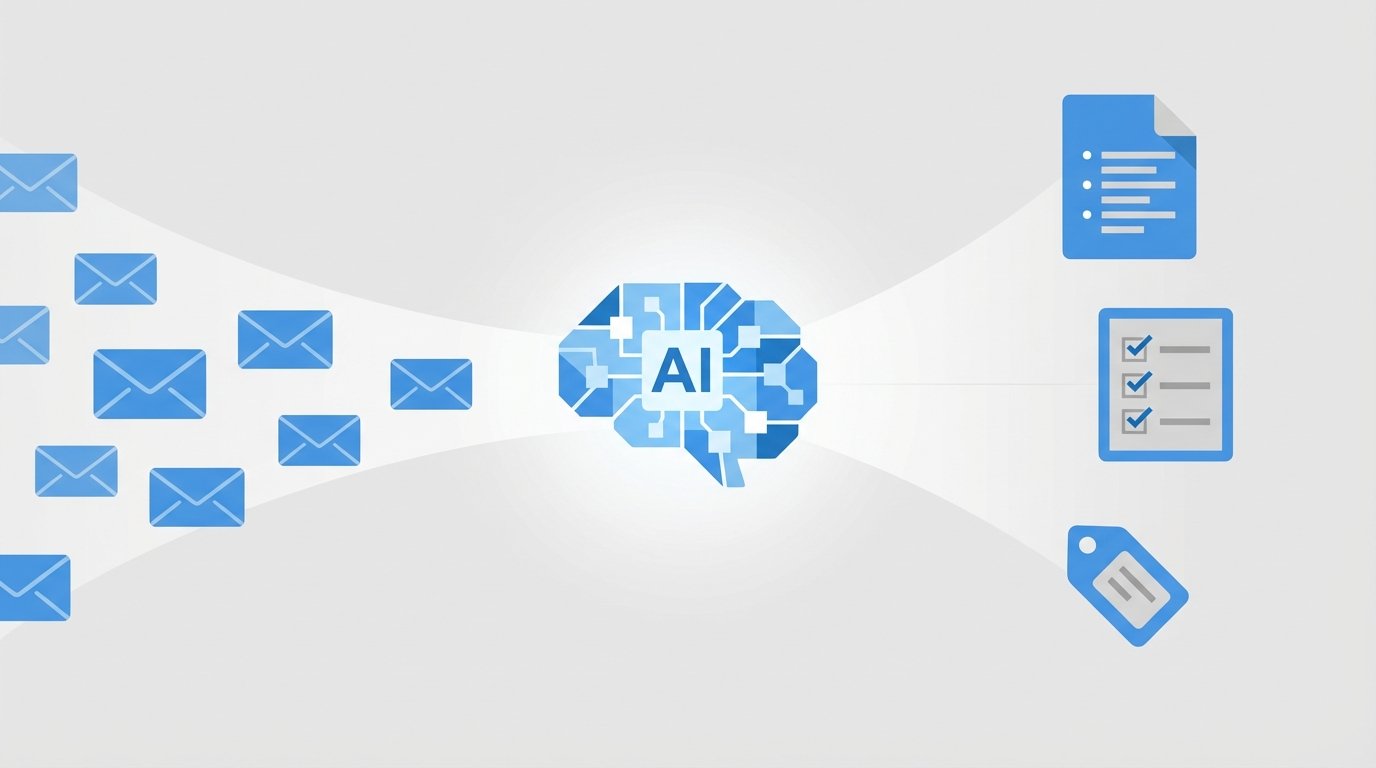
- Automatic Email Summarization: The AI diligently reads through lengthy email chains and generates concise summaries. Consequently, this allows you to quickly grasp the main points of a conversation without spending valuable time on reading every detail.
- Intelligent To Do Suggestions: Gemini also identifies actionable items and potential tasks from your messages. For instance, it might suggest scheduling a meeting or setting a reminder based on the discussion in an email.
- Key Topic Extraction: The tool also highlights the most important topics within your inbox. This feature helps you immediately see what needs your attention, removing the need to manually scan each message.
While many Gemini features are now free for all Gmail users, more advanced tools are available for subscribers. Users with Google’s Ultra and Pro plans, starting at twenty dollars a month, will get access to additional powerful features.
Boosting Productivity While Navaging New Challenges
The introduction of advanced AI tools in Gmail is set to redefine personal and professional productivity. For many users, the primary benefit will be a significant reduction in time spent managing their inbox. The email summarization feature alone promises to cut through the noise, allowing people to absorb key information from long threads in seconds. This reclaimed time can then be redirected toward more strategic and high value tasks. As a result, the user experience shifts from tedious inbox maintenance to efficient, focused work.
- Time Savings: Less time reading emails means more time for deep work.
- Reduced Cognitive Load: AI summaries simplify complex information, making it easier to process.
- Improved Organization: Automated to do suggestions help ensure that no important task is overlooked.
A Cautious Approach: Privacy and Accuracy
However, these powerful capabilities also bring important considerations to the forefront. The most significant concern for many will undoubtedly be privacy. Allowing an AI to read, process, and analyze your emails requires a great deal of trust. Users will need transparency from Google regarding how their data is used to train these models and what safeguards are in place to protect sensitive information.
Furthermore, there is the question of accuracy. While generative AI is impressive, it is not infallible. A summary could potentially miss a subtle but critical detail, or a suggested action might misinterpret the sender’s intent. Therefore, human oversight remains essential. It is wise to approach these new tools with a healthy dose of skepticism, “confirming the contents of each task or suggestion and seeing what it might overlook.”
| Tool | Pricing | Key Features | User Accessibility |
|---|---|---|---|
| AI Inbox in Gmail (Free) | Free | Email Summarization, To Do Suggestions, Key Topic Extraction, “Help Me Write” | All Gmail Users (currently in beta) |
| Google One AI Premium | Starts at $20/month | Advanced Summarization, Deeper Generative AI Integration, Workspace Integration | Paid Subscribers |
| SaneBox | Starts at ~$7/month | AI Email Filtering, Priority Inbox, Unsubscribe Tools, Reminders | Paid Subscribers (works with various email clients) |
| Superhuman | $30/month | High Speed Interface, AI Summarization, AI Writing Assistance, Keyboard Shortcuts | Paid Subscribers (Gmail & Outlook) |
The Future of the Inbox is Intelligent
The AI Inbox in Gmail represents a pivotal moment in the evolution of email. By leveraging the sophisticated power of Google Gemini, this new feature moves beyond simple organization to offer genuine, intelligent assistance. The promise of automated summarization and actionable suggestions could fundamentally change our relationship with our inboxes. As a result, we can spend less time managing a flood of information and more time focusing on what is truly important.
However, it is wise to adopt these new technologies with mindful consideration for privacy and accuracy. The trend of integrating AI into essential business tools is accelerating. At EMP0, we are at the forefront of this transformation. We specialize in AI and sales automation, helping companies multiply their revenue by deploying powerful and secure AI systems. Understanding these tools is key to unlocking new levels of productivity.
The journey of artificial intelligence is just getting started. Therefore, staying informed about the latest developments will be crucial for anyone looking to harness its full potential. The future of work is not just about working harder, but about working smarter with the help of intelligent tools.
Frequently Asked Questions (FAQs)
What is the AI Inbox in Gmail?
The AI Inbox is a new feature powered by Google’s Gemini artificial intelligence model. Its primary goal is to help you manage email more efficiently. Key functions include automatically summarizing long email threads, which saves you reading time. It also intelligently suggests to do items based on email content, helping you stay on top of your tasks. Additionally, it extracts the most important topics from your messages, allowing you to prioritize your focus.
Is the AI Inbox in Gmail free to use?
Yes, the fundamental features of the AI Inbox are available for free to all Gmail users. These include core email summarization and writing assistance tools. For users seeking more powerful capabilities, Google offers premium plans like the Google One AI Premium subscription. Starting at twenty dollars a month, this plan provides access to more advanced generative AI functions and deeper integration with other Google Workspace applications.
How does Google handle my privacy with the AI Inbox?
This is a critical consideration for all users. The AI Inbox processes the content of your emails to generate summaries and suggestions. Consequently, this requires you to trust Google with your data. Google has established privacy policies that govern data usage, but it is important to review them. Understanding how your information is used to train AI models and deliver services is essential for making an informed decision about using these features.
Can I trust the AI summaries and suggestions completely?
While the technology is impressive, it is not infallible. Generative AI can sometimes miss nuances or misinterpret the context of a conversation. As a result, a summary might lack a critical piece of information. Therefore, it is best to treat these AI generated outputs as helpful guides rather than perfect transcripts. For important matters, you should always review the original email to confirm details and ensure complete accuracy.
How can I get access to the AI Inbox in Gmail?
The AI Inbox is currently being introduced in a beta phase, so it is not yet available to everyone. Google is rolling out the feature gradually to users. To get access, make sure your Gmail application is up to date on all your devices. You will likely see an in app notification from Google inviting you to activate and try the new AI features once they are enabled for your account.