

Zapier vs Gumloop: A Direct Comparison for Modern Teams
Zapier vs Gumloop puts two different visions of automation into direct comparison for modern teams. Both platforms promise to streamline workflows and reduce manual work across apps.
Zapier shows its breadth with thousands of integrations and enterprise-grade features. Meanwhile, Gumloop bets on AI-first nodes and built-in data intelligence for complex flows. For many businesses, the choice shapes how they scale automation and manage data.
Therefore, this article compares integrations, AI capabilities, pricing models, and enterprise controls. We highlight trade-offs so product teams, ops leaders, and developers can decide fast.
Comparative Analysis
Zapier excels in app coverage and reliability, with a decade of proven uptime. Gumloop, by contrast, offers modern AI nodes that extract text, images, and insights. Additionally, Gumloop supports custom integrations, though its library remains smaller than Zapier’s.
Pricing differs too, because Zapier uses task-based plans and Gumloop adopts credit pricing. As a result, teams should weigh predictability against advanced AI processing needs.
In the sections ahead, we break down real use cases, security posture, and scaling. By the end, you will know whether breadth or AI-first depth fits your stack. Read on to find clear guidance for your team.
What is Zapier?
Zapier is a no-code integration platform that connects apps and automates tasks. As one of the leading automation tools, it enables teams to build workflow automation without writing code. Zapier links thousands of apps, so teams automate repetitive work and focus on higher value tasks.
Key features
- Extensive app integrations: connects with 8,000+ apps and 400+ AI tools.
- No-code builders: create Zaps with triggers and actions in minutes.
- AI assistant: Zapier Copilot generates automations from natural language.
- Advanced tools: Agents, Chatbots, Tables, Canvas, and Code by Zapier.
- Enterprise readiness: SSO, user management, granular permissions, and 99.99% uptime.
Why businesses choose Zapier
Many teams pick Zapier because it scales across use cases. Moreover its broad ecosystem reduces custom integration work. It supports both simple automations and complex, multi-step workflows. In addition, enterprise customers rely on its compliance standards and predictable task-based pricing. Because Zapier has automated billions of tasks, it often becomes the default platform for cross-team automation.
For deeper comparisons and real use cases, see this guide on choosing AI-first tools, this comparison of integration breadth, and our enterprise workflow analysis. You can also review Zapier features for specifics.
Zapier vs Gumloop: What is Gumloop?
Gumloop is an AI-first automation platform launched in 2023. It focuses on intelligent data processing inside automation workflows. Consequently it targets teams that need built-in AI for extraction, enrichment, and analysis. Gumloop connects to about 100 apps and supports custom integrations for niche systems.
Unique features
- AI-powered nodes that extract text from documents.
- Image and video analysis built into flows.
- Native LLM integration for summarization and classification.
- Enterprise controls including access controls and audit logging.
- Credit-based pricing that charges per action complexity.
Who should use it
Gumloop suits data teams, AI product builders, and ops teams that need advanced processing. Moreover startups that prototype AI workflows gain speed with its nodes. Large enterprises may adopt Gumloop when they need specialized AI pipelines.
Typical use cases
- Automated document intake and field extraction.
- Image or video tagging for content operations.
- AI-driven lead scoring and enrichment.
- Rapid prototyping of LLM-backed automations.
For a practical comparison and integration guidance, see this analysis of AI-first workflows and this side-by-side comparison of Zapier vs Gumloop. You can also read a broader comparison to decide which platform aligns with your business efficiency goals.
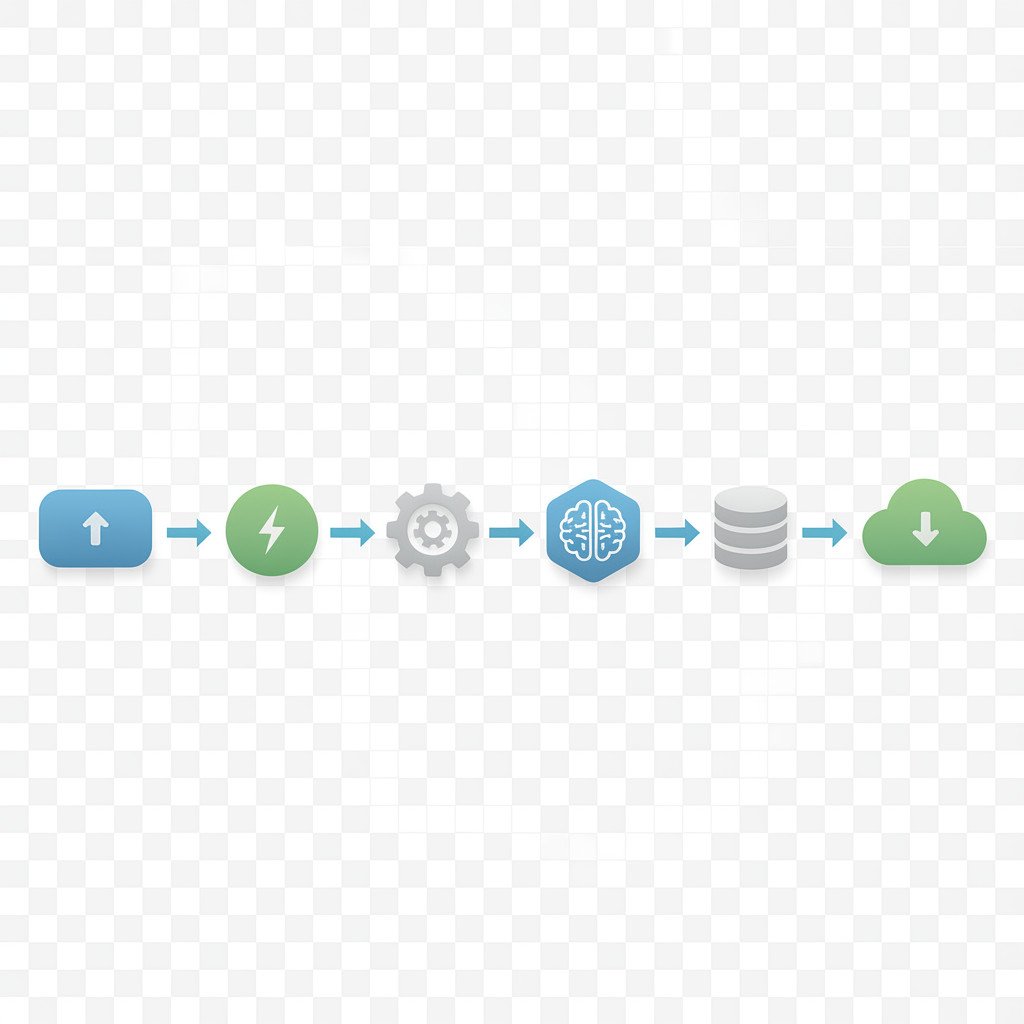
Feature comparison: Zapier vs Gumloop
| Category | Zapier | Gumloop |
|---|---|---|
| Pricing | Task-based pricing that is transparent and predictable. Good for teams that want cost visibility. | Credit-based pricing. Credits vary by action complexity (1 to 60). Better for AI-heavy, variable workflows. |
| Usability | No-code builders, visual editor, and Zap templates make it easy for nontechnical users. Zapier Copilot can generate automations from natural language. | Visual flow builder with AI nodes. Designed for technical and AI-first builders; slightly steeper learning curve for nontechnical users. |
| Integration Options | Vast ecosystem: 8,000+ pre-built integrations and 400+ AI tool connectors. Low need for custom code. | About 100+ native integrations plus custom integration support. Stronger when you need embedded AI processing. |
| Customization | Supports code steps via Code by Zapier and advanced tools like Agents and Canvas for custom logic. | Highly customizable AI nodes, native LLMs, and data processing steps for complex AI workflows. Custom integrations available. |
| AI Capabilities | Zapier Copilot, AI connectors, and integrations with external LLMs. Focuses on applying AI across broad workflows. | Built-in AI-powered nodes for extraction, image and video analysis, and LLM tasks. AI-first processing is a core feature. |
| Enterprise Features | Enterprise plan includes SSO, user management, granular permissions, SOC 2, GDPR, CCPA compliance, and 99.99% uptime. | Offers SOC 2 and GDPR compliance, enterprise access controls, audit logging, and admin dashboards. |
| Reliability and Scale | Battle-tested with over a decade of development and 80 billion+ automated tasks. Widely used by large enterprises. | Newer platform with about 400 million tasks; optimized for AI workloads rather than broad scale integrations. |
| Customer Support | Robust documentation, active community, and enterprise-grade support options. | Detailed docs and enterprise support; community smaller but focused on AI use cases. |
This table gives a side-by-side snapshot to help decide whether breadth and predictability or AI-first processing better suits your automation strategy.
Related articles for deeper reading: Zapier vs Gumloop, Zapier vs Gumloop Comparison, Zapier vs Gumloop Comparison 2
Use cases and benefits: Zapier vs Gumloop in action
Automation workflows power many daily business tasks. Therefore choosing the right tool matters. Below we show real use cases and clear benefits for both platforms. This helps teams pick the best integration software for their needs.
Zapier use cases
- Lead routing and CRM updates: For example, new form replies create leads in Salesforce or HubSpot automatically. This saves hours of manual entry and reduces errors.
- Notification and alerting: Send Slack messages, SMS, or emails when key events occur. As a result teams respond faster to customer issues.
- Cross-app reporting: Aggregate data from tools into Google Sheets, Airtable, or Tables for dashboards. Consequently stakeholders see unified metrics without manual work.
- Marketing automation: Trigger follow-ups from Typeform or Eventbrite to Mailchimp and Pipedrive. This increases campaign reach and conversion.
Gumloop use cases
- Document intake and extraction: Gumloop extracts fields from invoices, contracts, or forms. Hence accounting and legal teams save time on data entry.
- Image and video analysis: Automatically tag media for content libraries. Therefore media teams scale cataloging and publishing faster.
- LLM-backed enrichment: Summarize long customer notes or classify support tickets using native LLMs. As a result agents handle requests more efficiently.
- AI-first lead scoring: Enrich leads with AI signals and route high-value prospects for sales follow-up.
Benefits for businesses
- Time savings: Both platforms remove repetitive tasks, freeing teams for strategic work.
- Increased productivity: Automated handoffs speed workflows and reduce context switching.
- Streamlined processes: Integration software centralizes data flow and prevents information silos.
- Better accuracy: Automation reduces human error in copying and tagging data.
- Faster prototyping: Moreover Gumloop helps teams prototype AI pipelines quickly, while Zapier enables broad integrations for cross-team work.
In short, choose Zapier for broad app coverage and predictable operations. Alternatively choose Gumloop when you need AI-first data processing and advanced extraction. Either way automation boosts business efficiency and scales teams faster.
User testimonials and expert quotes
- “Zapier Copilot, an AI-powered assistant, makes this even easier: just describe what you want to automate, and Zapier builds it for you automatically.” — Zapier product team
- “AI automation is everywhere right now, and platforms like Gumloop are betting that enterprises want tools built specifically for AI-first workflows.” — Industry analyst
- “Zapier is a battle-tested platform with over a decade of development and millions of active customers, including users at large enterprises.” — Enterprise customer
- “Gumloop’s built-in AI nodes accelerated our document intake and enrichment, saving our team many manual hours.” — Anonymous operations lead
These short testimonials show recurring themes. First, Zapier emphasizes ease of use and a proven track record. Second, Gumloop highlights AI-first capabilities for complex data tasks. Moreover practitioners value time savings and predictable operations. As a result teams often adopt Zapier for broad integrations. Alternatively teams pick Gumloop when they need advanced extraction and LLM workflows. In either case social proof helps validate both platforms for business automation.
Challenges and limitations
Both Zapier and Gumloop speed automation, but they come with trade-offs. Below are common issues teams face and practical notes to weigh before choosing.
Pricing constraints
- Zapier uses task-based pricing. For large volumes, costs can rise quickly. Therefore budgeting for growth matters.
- Gumloop uses credit-based pricing. Complex AI steps consume many credits. As a result unpredictable bills can surprise teams.
- For both platforms, enterprise features raise plan costs. Thus smaller teams may need careful cost modeling.
Complexity for beginners
- Zapier remains friendly for no-code users. However advanced features like Code steps or Agents require technical skill.
- Gumloop centers on AI nodes and data processing. Consequently nontechnical users may face a steeper learning curve.
- Both platforms need governance. Without controls, many automations create maintenance overhead.
Integration and feature limits
- Zapier connects to 8,000+ apps. Still some niche or internal systems need custom work.
- Gumloop lists about 100 integrations. Therefore teams may build connectors or use middleware.
- Both platforms can hit rate limits or API restrictions. Moreover external provider changes can break automations.
Operational and security considerations
- Monitoring and error handling need setup. Otherwise silent failures can disrupt workflows.
- Compliance tools exist on both platforms, yet legal teams should verify data flows.
- As a result plan for logging, alerts, and periodic audits.
In short, evaluate costs, user skills, integrations, and operational controls before committing.
Conclusion: Which platform fits your team?
Choosing between Zapier and Gumloop depends on priorities. If you value broad app coverage, predictable pricing, and mature enterprise controls, Zapier fits well. It offers thousands of prebuilt integrations, task-based billing, and a decade of reliability. As a result teams that need cross-department automation often pick Zapier.
If your work relies on AI-first data processing, Gumloop may be a better match. Gumloop excels at extraction, image and video analysis, and LLM-backed enrichment. Therefore data teams, AI product builders, and operations groups that prototype complex AI pipelines will benefit more from Gumloop.
Both platforms save time and boost productivity. For instance, Zapier speeds cross-app handoffs and reporting. Conversely Gumloop reduces manual extraction and enriches records with AI, which improves lead scoring and support triage. However watch for constraints. Zapier can get costly at scale, and Gumloop’s credits add variability to bills. Moreover both need governance and monitoring.
EMP0 helps teams bridge these trade-offs. EMP0 offers AI-powered growth systems that multiply revenue with automation and intelligent workflows. For example, EMP0 Growth Engine automates lead qualification and customer journeys to increase conversion rates. EMP0 Automation Playbooks provide reusable templates and integrations that reduce time to value. As a result companies gain predictable ROI from AI automation. Learn more at EMP0 and explore practical guides at EMP0 Articles. Connect with EMP0 on Twitter @Emp0_com for updates and case studies.