

Zapier HIPAA compliance: What healthcare teams must know
Zapier HIPAA compliance matters more than many teams realize. Healthcare leaders chase efficiency, but they must protect patient privacy. Automation connects apps, and so it can move protected health information across systems.
HIPAA stands for the Health Insurance Portability and Accountability Act, and it sets privacy and security rules for PHI. Because PHI includes medical records, billing data, and unique identifiers, safeguards are strict. A Business Associate Agreement or BAA is required when a vendor touches PHI.
Automation tools like Zapier promise time savings and fewer manual errors. However, security and compliance are not optional in healthcare operations. Even when tools use encryption, tokenization, and audit logs, the absence of a BAA blocks PHI workflows.
This article explains the current state of Zapier relative to HIPAA. Therefore, you will learn what Zapier can safely automate, what it cannot, and alternative approaches. Read on to balance productivity with compliance.
Although Zapier has enterprise security features like SOC 2 certifications and AES-256 encryption, it still lacks HIPAA coverage. However, many healthcare-adjacent tasks can safely use no-code automation. As a result, teams can automate scheduling, billing workflows, and staff notifications without touching PHI. Later we will show safe design patterns and alternatives.
What is Zapier and Zapier HIPAA compliance: when to use it safely
Zapier is a no-code automation platform that connects over 8,000 apps. It moves data between tools when triggers fire. Because Zapier simplifies workflows, teams use it for repetitive tasks.
However, Zapier is not HIPAA compliant. Therefore, you must avoid sending protected health information or PHI through Zaps. A Business Associate Agreement or BAA is required when a vendor handles PHI. Because Zapier does not offer a BAA for general use, PHI workflows remain off-limits.
That said, Zapier still helps healthcare organizations with non-PHI automation. For example, automate staff scheduling, team notifications, appointment confirmations that use generic IDs, and marketing workflows that never include identifiers. In addition, Zapier supports integrations with CRM, ticketing, and calendar systems. Learn more at Zapier’s site: Zapier.
Best practices to use Zapier securely include:
- Minimize data passed between apps and remove identifiers
- Tokenize or pseudonymize data before automation where possible
- Restrict Zapier accounts with least privilege controls and audit logging
- Monitor Zaps and set retention policies for logs
Zapier runs on AWS infrastructure, which offers strong security controls. For details see AWS security: AWS Security. However, enterprise features like AES-256 encryption and SOC 2 do not replace a BAA. As a result, teams must design workflows that avoid PHI while benefiting from automation and governance tools.
For example, a clinic can automate appointment reminders using anonymous appointment IDs. Similarly, billing teams can trigger invoices using confirmation codes that never reference PHI. Also, patient satisfaction surveys can be sent through anonymized links.
Zapier HIPAA compliance: HIPAA essentials and common challenges
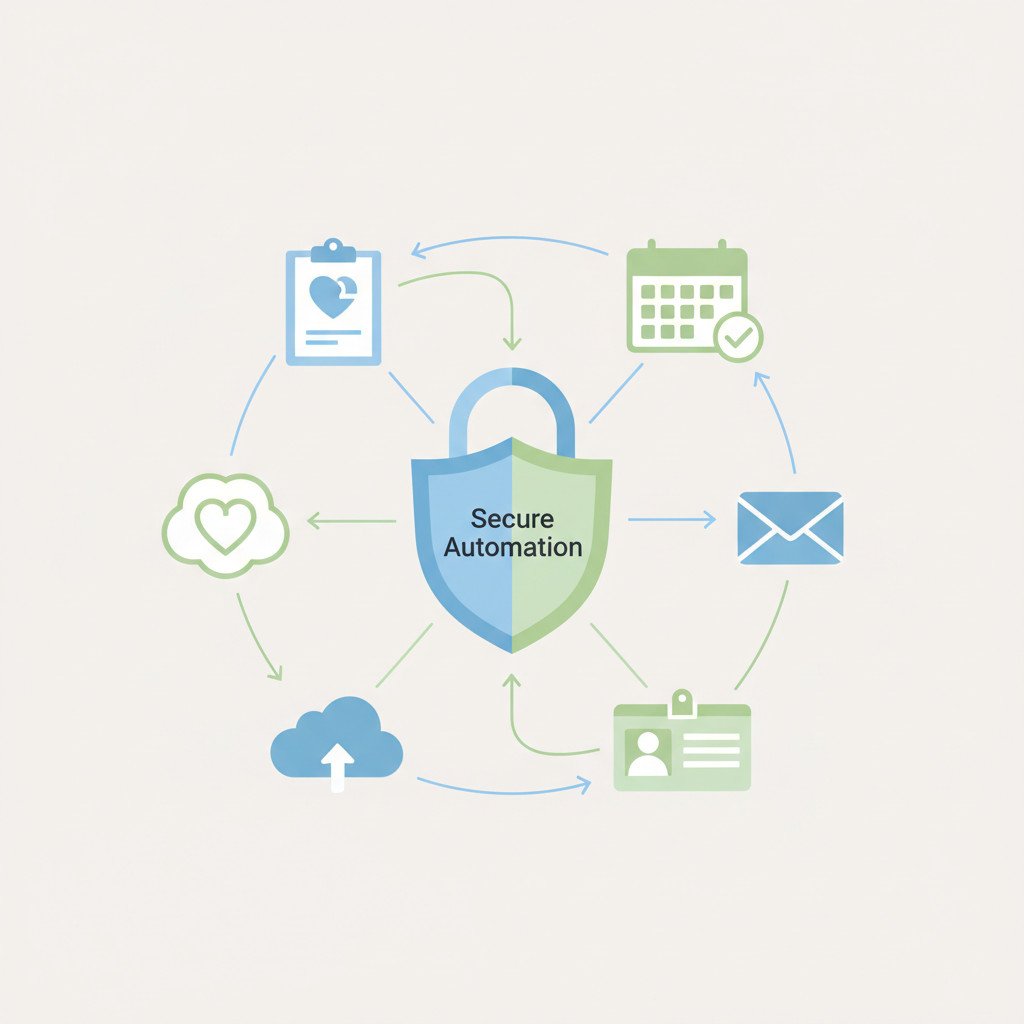
HIPAA sets guardrails for protected health information. Because it covers privacy and security, organizations must implement administrative, physical, and technical safeguards. For automation tools, technical safeguards matter most.
Key HIPAA essentials for automation:
- Business Associate Agreements or BAAs are mandatory whenever a vendor handles PHI.
- Conduct regular risk assessments that map data flows and integration points.
- Enforce access controls with role based permissions and multi factor authentication.
- Use strong encryption for data at rest and in transit.
- Maintain comprehensive audit logging and monitoring for incident response.
Challenges when integrating automation into healthcare workflows
Healthcare teams face multiple hurdles when adding automation. First, hidden fields often contain PHI and can leak identifiers. Therefore, simple triggers may expose patient data. Second, many connectors lack contractual BAAs. As a result, vendors cannot legally process PHI. Third, workflows that span many systems widen the attack surface and complicate audits. Fourth, human error and misconfiguration remain common. Consequently, governance and training are critical.
Practical mitigation strategies
- Map every data flow and tag PHI fields before automation.
- Pseudonymize or tokenize identifiers upstream of any Zap.
- Apply least privilege to Zapier accounts and revoke unused keys.
- Deploy payload scanners to flag potential PHI in real time.
- Set strict data retention policies and conduct routine audits.
Technical controls are essential, however organizational controls matter too. In addition, vendor contracts and BAAs form the legal backbone of compliant automation. For non PHI workflows, Zapier can help teams automate scheduling, notifications, and administrative tasks. For cloud security best practices see AWS security and NIST guidance.
Zapier HIPAA compliance: feature mapping table
Below is a side by side comparison of Zapier features and core HIPAA requirements. This table shows benefits and gaps so teams can assess risk, design controls, and avoid PHI exposure.
| Feature | Compliance aspect addressed | Benefit | Limitations or gap relative to HIPAA |
|---|---|---|---|
| Encryption at rest (AES 256) and in transit (TLS) | Technical safeguards for data protection | Strong cryptographic protection reduces data theft risk | Encryption helps, however it does not satisfy BAA requirements alone |
| Audit logging and activity history | Audit controls and breach investigation | Provides trails for debugging and incident response | Logs may lack PHI specific labels and retention controls needed for HIPAA audits |
| Role based access and SSO | Access control and least privilege | Limits who can trigger automations and view logs | Requires strict policy enforcement; misconfigurations can expose PHI |
| Tokenization and pseudonymization options | De identification and data minimization | Enables safer payloads by masking identifiers | Needs upstream implementation; Zapier cannot guarantee PHI removal across all connectors |
| Connector ecosystem (8,000+ apps) | Integration flexibility for workflows | Broad integrations accelerate automation adoption | Many third party connectors lack BAAs and create legal risk for PHI workflows |
| Enterprise governance and retention controls | Administrative safeguards and data lifecycle | Allows retention settings and monitoring at scale | Policy controls vary by plan and cannot substitute for a BAA |
| Pen testing and bug bounty | Risk assessment and security testing | Detects vulnerabilities proactively | Good practice, however it does not change legal compliance status |
| No BAA for PHI workflows | Legal requirement | N A | This is the core limitation: Zapier cannot be used for PHI without a BAA |
Use this table to guide decisions. Therefore, map each Zap to data types before enabling automations involving patient information.
Practical steps for Zapier HIPAA compliance
You cannot assume automation is safe by default. Therefore, treat Zapier as a powerful tool that requires guardrails. Below are concrete steps to reduce risk and remain compliant when possible.
Start with governance
- Map all data flows and identify PHI fields. This clarifies where risks exist.
- Conduct a formal risk assessment that includes every connector and webhook. As a result, you will prioritize controls.
Harden configurations
- Enforce single sign on and multi factor authentication for all Zapier users. This reduces account takeover risk.
- Apply least privilege roles and rotate API keys regularly. Also, revoke unused integrations.
- Enable audit logging and export logs to a secure SIEM for review.
Sanitize data and design patterns
- Pseudonymize or tokenize identifiers upstream of any Zap. For example, replace names with patient codes before triggers run.
- Strip or redact PHI fields in intermediate steps. Then forward only non identifying data.
Operational controls and contracts
- Train staff on safe Zap creation and change control. Human error causes many incidents.
- Maintain written policies that ban routing PHI to Zapier unless a BAA exists. Because Zapier does not support PHI workflows generally, this policy is mandatory.
Monitor and test
- Run automated payload scanners that flag PHI in real time. In addition, perform periodic penetration tests and tabletop drills.
These steps do not make Zapier a HIPAA covered solution. However they let teams use Zapier safely for non PHI workflows and limit accidental exposure when automation touches healthcare processes.
Zapier HIPAA compliance in practice: case studies and examples
Below are anonymized examples showing how healthcare teams used Zapier safely while respecting HIPAA boundaries. Each example avoids PHI or pseudonymizes data upstream.
Case study 1: Community clinic—appointment and staffing automation
A mid sized clinic automated appointment reminders and staff scheduling. They replaced patient names with unique appointment IDs before any Zap triggered. As a result, no PHI passed through Zapier. Benefits included fewer missed appointments and 30 percent less scheduling labor. Lesson learned: pseudonymize early and test triggers thoroughly.
Case study 2: Medical billing partner—invoice triggers without PHI
A billing team used Zapier to push invoice status updates from their accounting tool to a task board. They used confirmation codes instead of patient identifiers. Therefore, billing cycles sped up and reconciliation improved. In addition, audit logs helped trace failed workflows. Lesson learned: design payloads to exclude identifiers.
Case study 3: Telehealth operations—staff notifications and onboarding
A telehealth provider automated internal notifications and staff onboarding. They limited Zap access with role based controls and SSO. Consequently, time to onboard new clinicians dropped by half. Also, monitoring caught misconfigured Zaps before incidents occurred. Lesson learned: combine organizational policies with technical controls.
Key takeaways
- Never send raw PHI through Zapier unless a BAA exists. However, Zapier still supports many compliant workflows.
- Pseudonymization, tokenization, and least privilege reduce risk.
- Test payloads, monitor logs, and train staff to prevent mistakes.
These examples show practical patterns for safely using Zapier in healthcare adjacent roles.
Zapier HIPAA compliance: business payoff and competitive benefits
Achieving safe Zapier usage delivers real business value. When teams design automations that respect HIPAA boundaries, they gain faster operations and stronger risk controls. Therefore, automation becomes a growth enabler rather than a liability.
Key payoffs:
- Improved efficiency and speed: Automations cut manual tasks and reduce errors, saving staff time.
- Lower compliance risk: Pseudonymization and strict access controls reduce exposure, therefore lowering breach risk.
- Cost savings: Fewer manual processes mean lower labor costs and faster billing cycles.
- Better audit readiness: Comprehensive logs and governance simplify investigations and reporting.
- Enhanced patient trust and brand advantage: Because security matters, compliant automation builds credibility.
As a result, organizations gain a competitive edge by moving faster and safer. Also, leadership can reallocate clinical and administrative time to patient care. Finally, although Zapier is not a PHI platform alone, careful design patterns let teams reap benefits while staying within HIPAA rules.
Zapier HIPAA compliance: key takeaways and how EMP0 helps
Zapier is powerful for automation, but it is not a HIPAA covered platform. Therefore, you must avoid routing PHI through standard Zaps. Instead, use pseudonymization, tokenization, and strict access controls to keep workflows safe.
This article covered technical and legal essentials. We explained the role of BAAs and why they matter. In addition, we compared Zapier features to HIPAA requirements and offered practical hardening steps and design patterns.
EMP0 helps organizations deploy AI and automation systems securely. EMP0 builds automation with privacy by design, and it layers governance, monitoring, and safe data handling. As a result, teams can automate administrative and healthcare adjacent tasks with confidence. EMP0 also advises on architectural controls that limit PHI exposure and on training to prevent human error.
If you need a partner that balances speed with compliance, EMP0 can help you plan and implement AI powered growth systems. In addition, EMP0’s services make it easier to audit workflows and demonstrate controls. Finally, remember that careful design and ongoing monitoring reduce risk, improve efficiency, and protect patient trust. Take action now and make automation a safe advantage for your organization.